Your wedding, from every seat
Your photographer captures the day. Your guests capture everything else: the back row at the ceremony, the toast from table 7, the dance floor at 1 a.m. Clik brings all of it to you.
Share your photos of our day
Anna & Mark
Table 5
Share your photos of our day
Anna & Mark
Photo booth
Share your photos of our day
Anna & Mark
Photographer
Why collect your wedding guests' photos
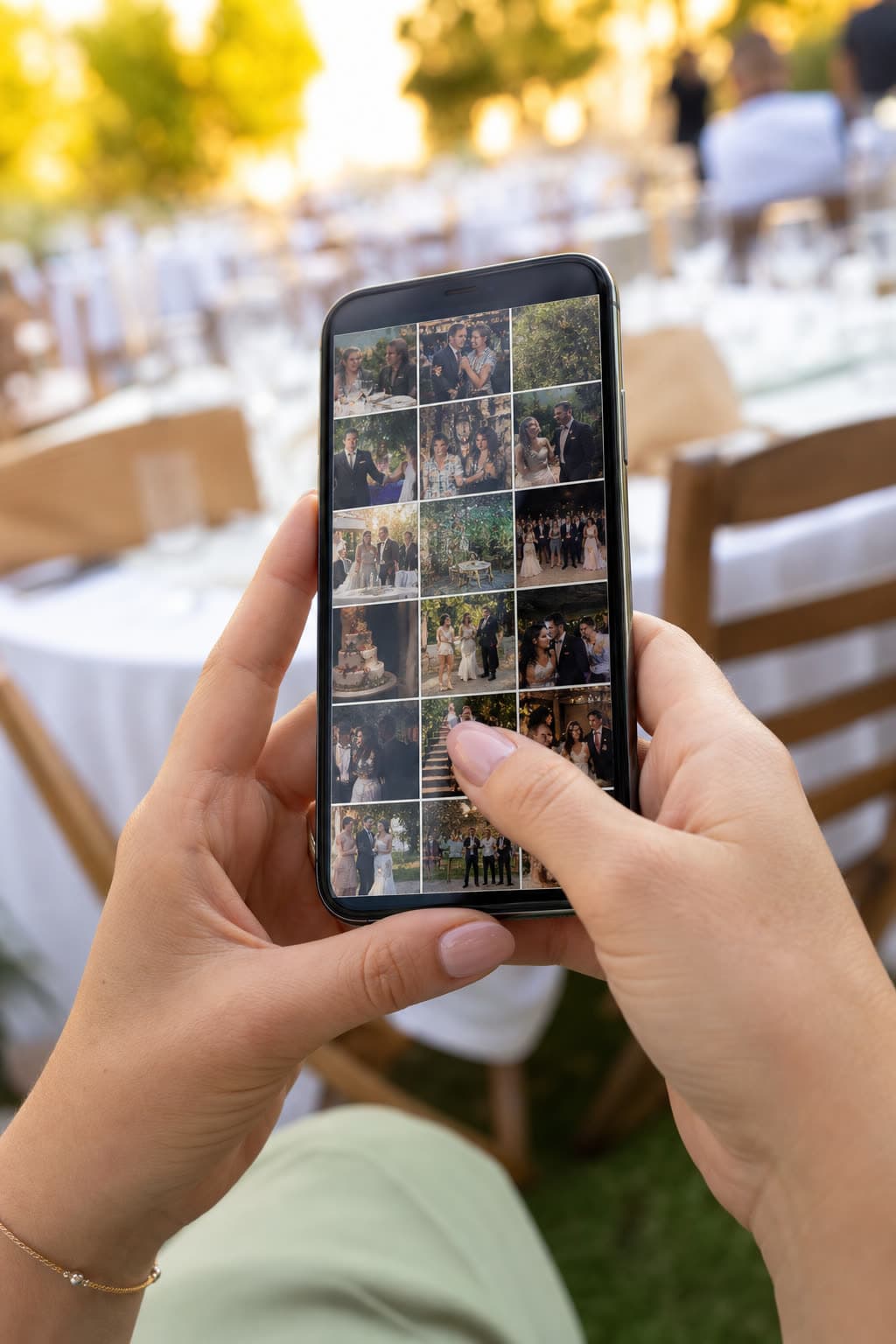
A hundred guests means a hundred cameras. Between them they catch what no single photographer can: your grandmother laughing at the next table, the flower girl asleep on two chairs, the friends who flew in for one night. Most of those photos never leave the guests' phones, or arrive weeks later as blurry chat copies.
Clik gives every guest one simple way to send them: scan a QR code, pick photos and videos, upload. The originals land in a private wedding gallery that only the two of you can open, ready for the album, the thank-you cards and the slideshow at your first anniversary.
Where guests' photos fill the gaps
 14:00
14:00Getting ready
Bridesmaids and best men catch the nerves, the buttons and the last-minute laughs.
 16:00
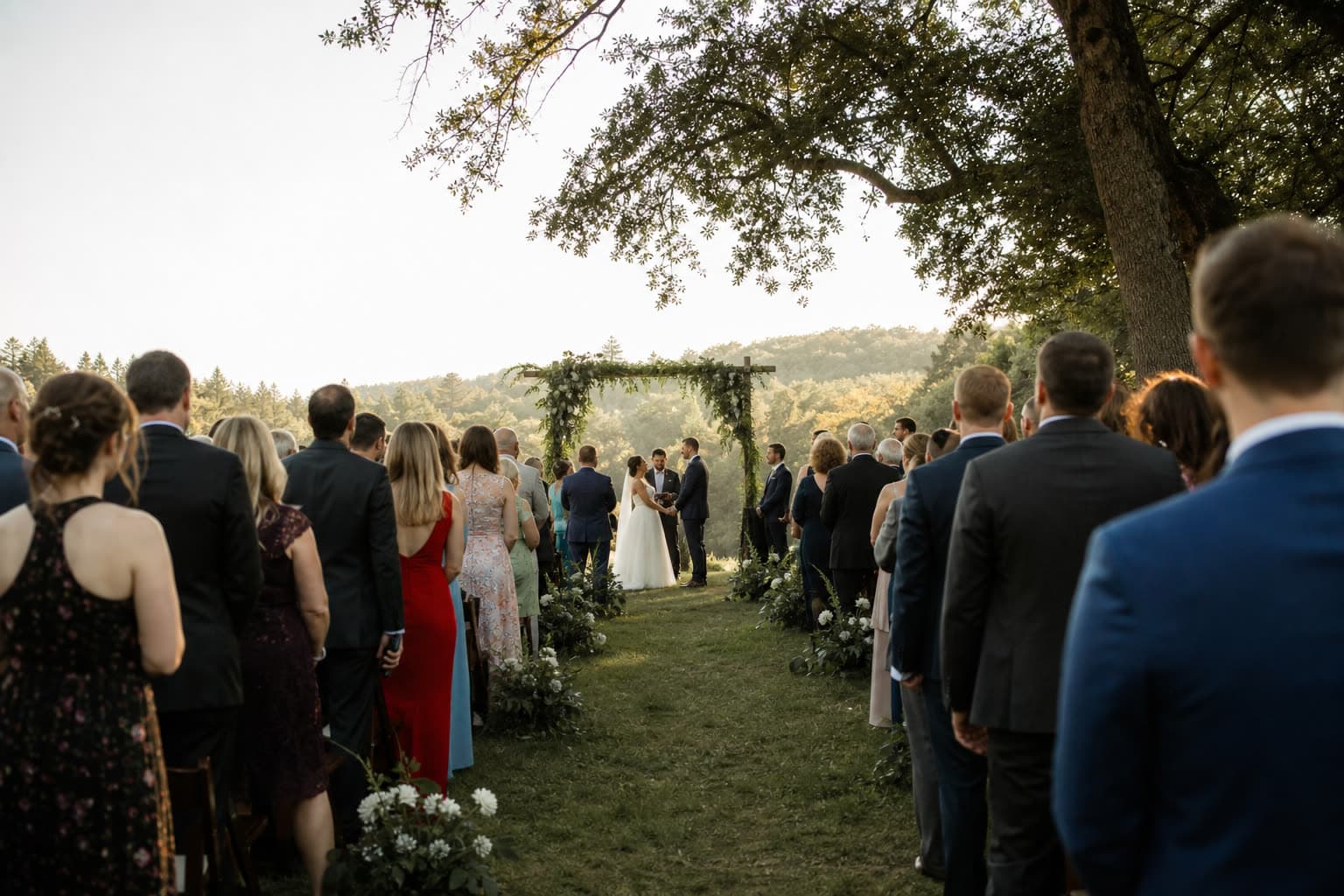
16:00Ceremony
Your photographer is up front. Guests catch the back rows and your parents' faces.
 19:30
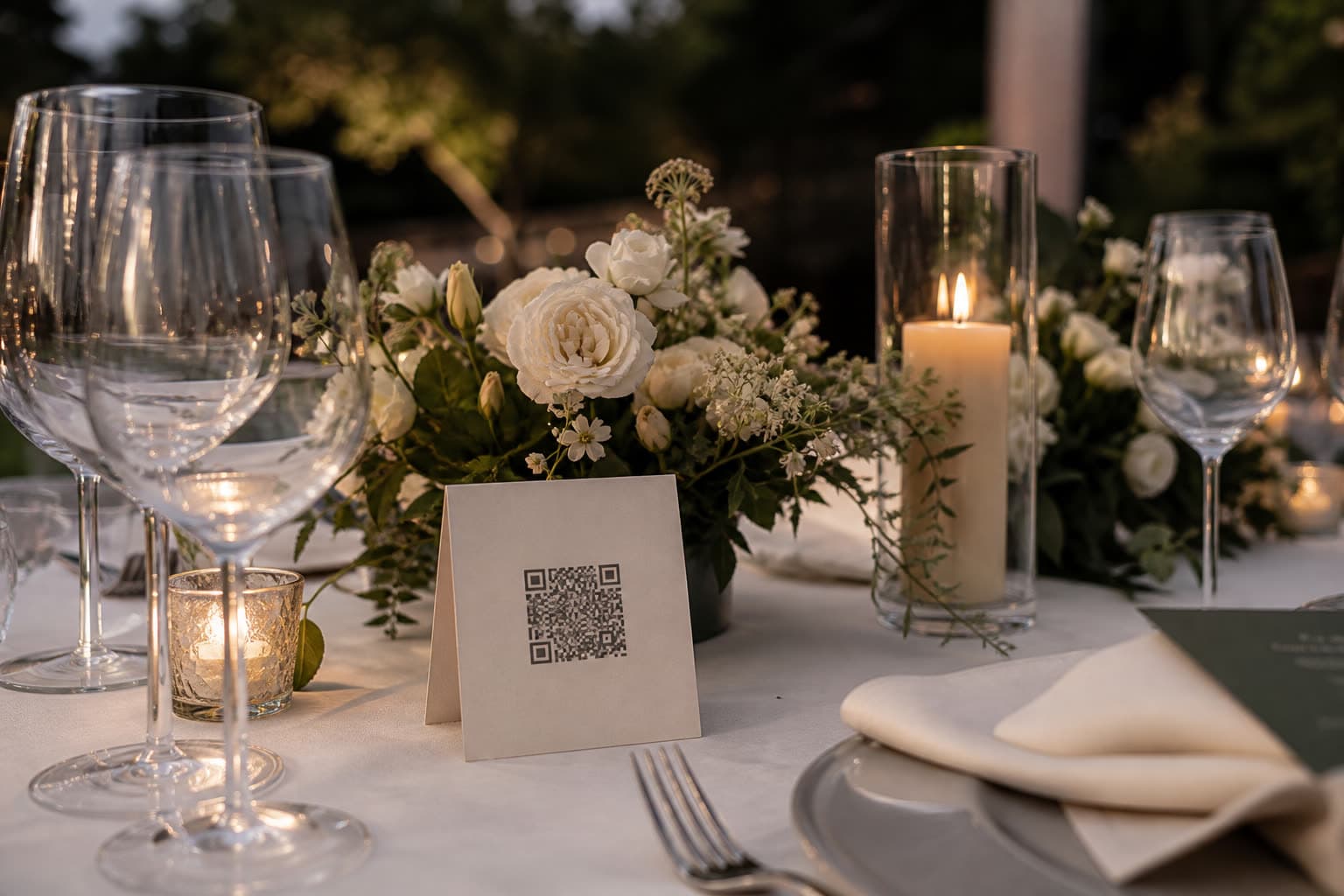
19:30Dinner and toasts
Forty phones go up at once. Every angle of every speech lands in one place.
 22:00
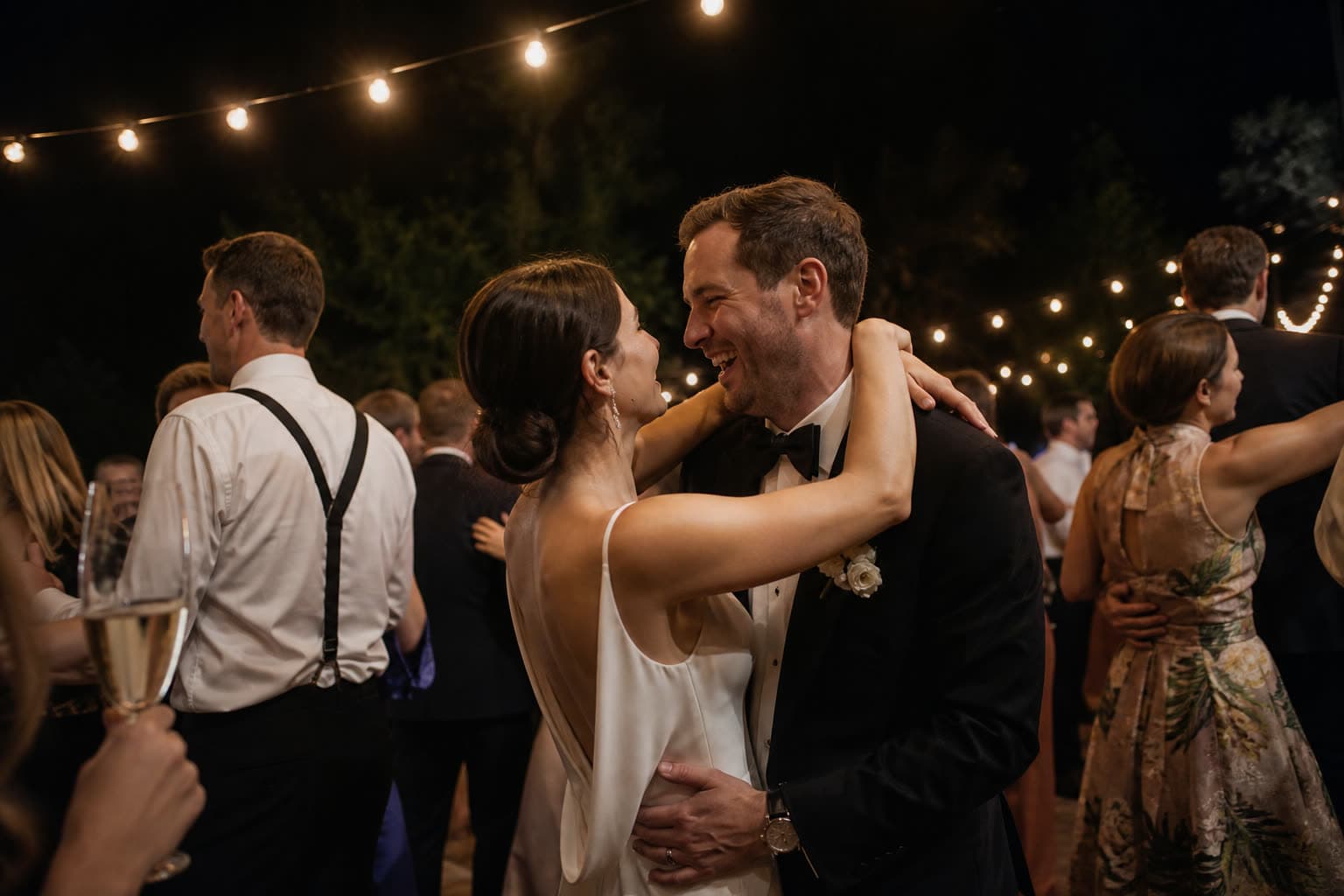
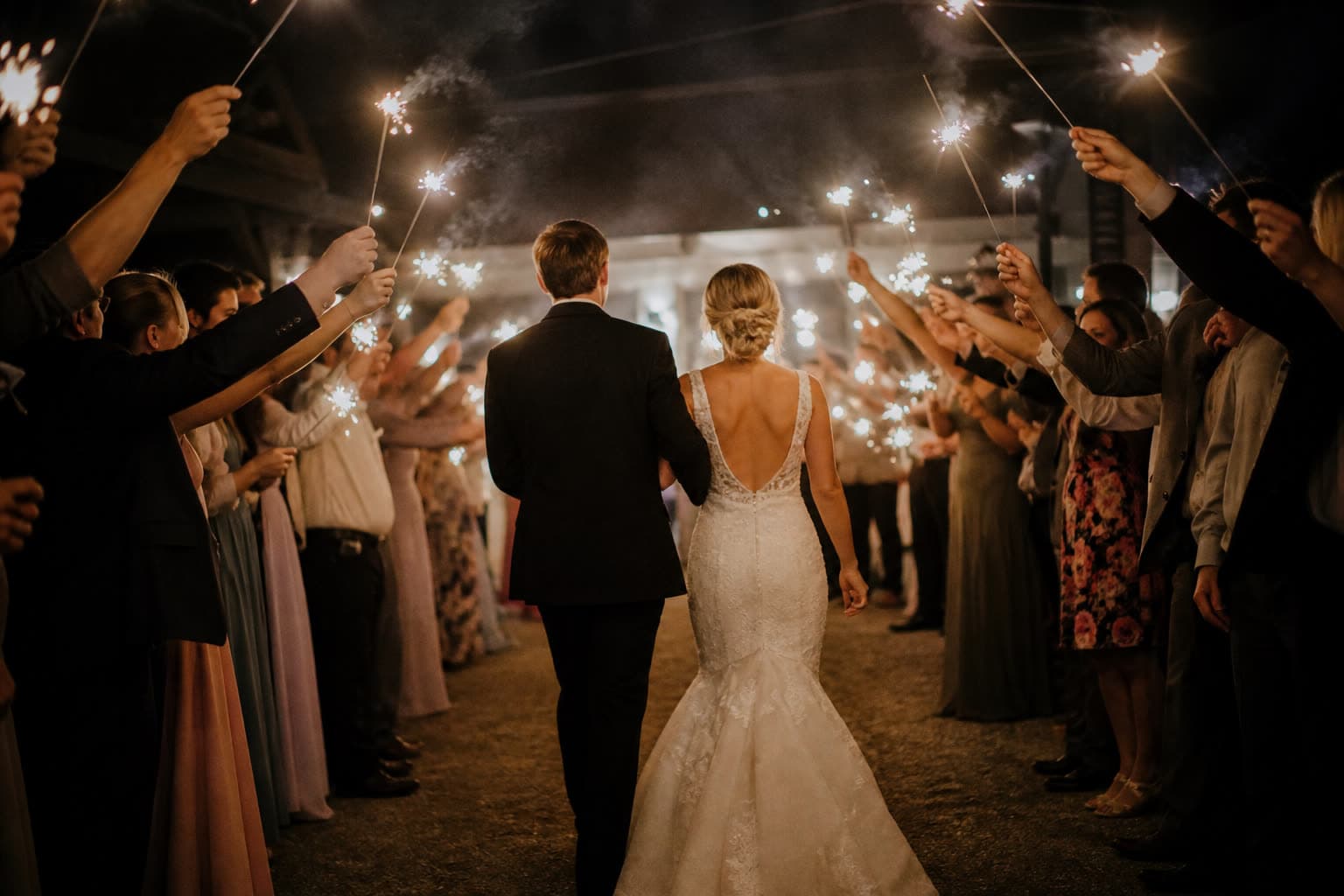
22:00Dance floor
The photographer has gone home. The best videos of the night are just starting.
 Next day
Late uploads
Guests send the photos they forgot while they are on the train home.
Share your photos of our day
Anna & Mark
Table 5
Make your table card
Type your names and a table. This is the card your guests will scan between courses.
Preview. Your event gets its own private link.
How to collect your wedding photos with Clik
Create your wedding event
Add your names, the date and a cover photo on the web or in the iOS app. Your first upload link is ready straight away.
Make a link for each table
Label links like Table 5, Photo booth or Photographer, so the gallery shows where every photo came from.
Print the table cards
Print a QR card per table in A6, A5 or square, and add the QR to your welcome sign and the order of service.
Open the gallery the next morning
Browse by table or guest, delete what you do not want to keep and download everything as a ZIP.
Extras couples love
An audio guestbook
Guests leave a written note or a voice message on the same page where they upload. Voice from Starter up.
Photo challenges
Snap the bride's shoes, a selfie with the grandparents: little missions that fill the gaps in your album.
Disposable camera mode
Keep every photo sealed until the morning after, then open them all at once with your first coffee.
Tips for getting more wedding photos
- Put a table card on every table at eye level, not only one at the entrance.
- Ask your MC or DJ to mention the QR code once after dinner.
- Add the link to the last message you send guests before the wedding.
- Switch on the guest gallery: seeing the first photos makes others add theirs.
- Give your photographer their own link so their sneak peeks land in the same gallery.
- Send a thank-you message with the link the day after: many guests upload then.
Ready-made text for cards and invitations
Copy one of these lines onto your table cards, welcome sign or the message to guests.
Help us see our day through your eyes: scan the code and share your photos and videos.
No app needed. Scan, pick your favourite shots of tonight and tap upload.
Took a great photo? We would love to have it. Scan the QR code on your table.
Which plan suits a wedding
A wedding with around a hundred guests easily sends several hundred photos and videos, and you will want to keep them for a while. Most couples choose Pro. Small weddings can start on Free and upgrade later, paying only the difference.
Compare all plansRecommended plan
Pro
US$49
one-time price per event
- 1,000 photos & videos
- 1 year storage
- Unlimited guests
- Voice messages in the guestbook
- Shareable gallery without watermark
- Live slideshow
See it work on your own event
Create a free event, share the QR code and watch the first photos arrive.
Questions
No, it complements them. Your photographer can even upload through their own link, so their sneak peeks land next to the guests' shots.
Put it on the table cards, the welcome sign and in the last message to guests. Many will also upload in the days after.
It depends on the guest count. A hundred guests can easily send several hundred photos and videos, so compare the limits on the pricing page.
Only if you switch on the guest gallery. With photo approval on, you decide which photos guests see.
Yes. The page has one button to pick photos and one to upload, in English, Hungarian or German. Nothing to install and no account.
Yes. On Pro and Unlimited the live slideshow puts guest photos on a projector or TV as they arrive.
Keep exploring
Birthdays
The party through everyone's camera, without the group chat.
No app for guests
Guests upload from the browser, with no app and no account.
Table cards
Design a printable QR table card right in the browser.
Start collecting your wedding photos
Set it up in a minute, well before the big day.