Guest photo uploads, no app needed
The fastest way to lose photos is to ask guests to download something. With Clik they scan, pick photos and videos, and they are done before the next song.
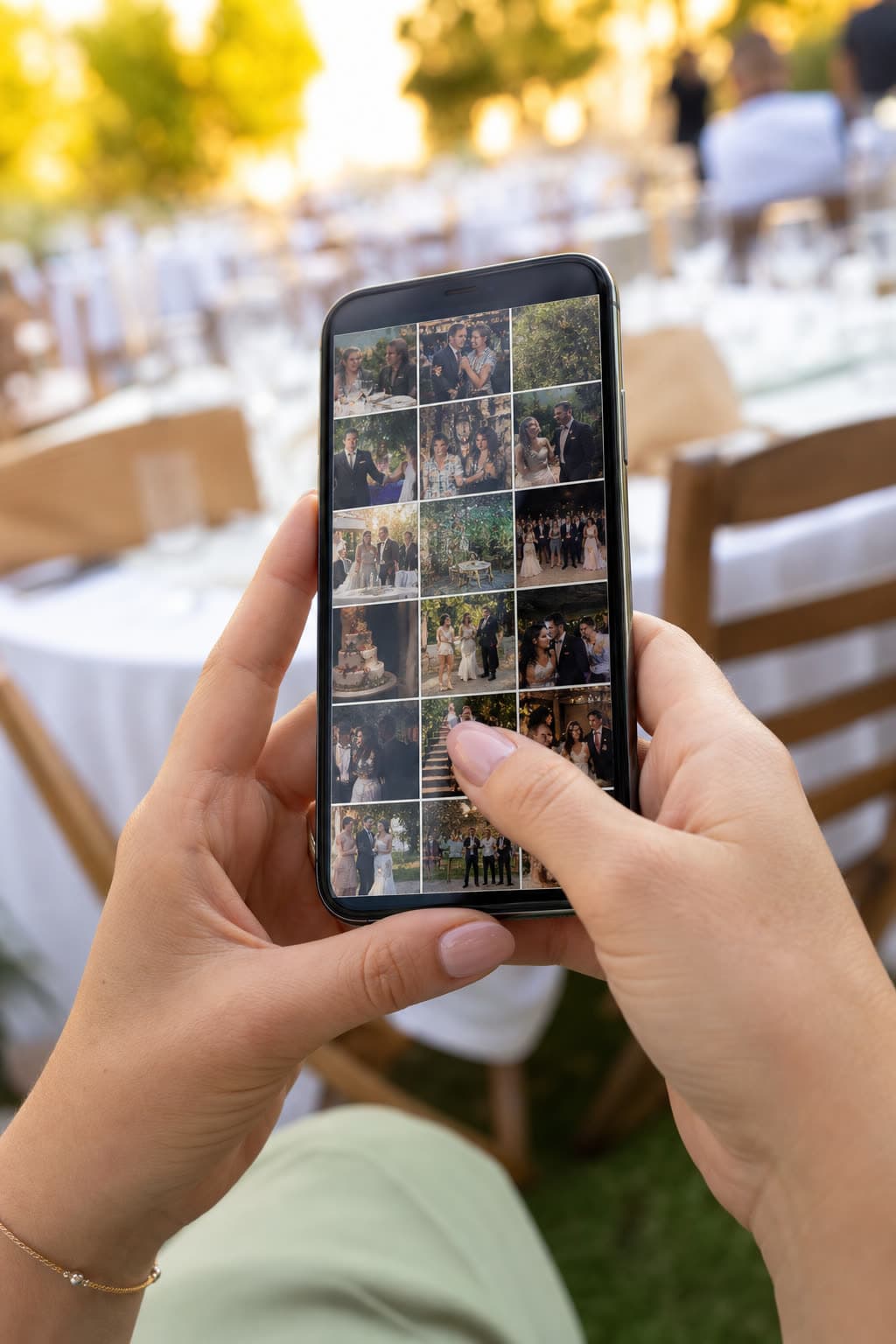
You're invited to share photos & videos
Anna & Mark
via “Table 5”
Uploaded
Two ways to ask a hundred guests for photos
“Download our app”
- Find it in the store, wait for the download
- Make an account, confirm an email
- Half the room gives up before the first photo
A Clik link
- Point the camera at the table card
- The upload page opens in the browser
- Pick photos and videos, tap upload, back to the party
Three taps, start to finish
This is everything a guest sees. It works the same in Safari, Chrome and Samsung Internet.
Scan
The phone camera reads the QR code on the table card and opens your event page.
Pick
One big button opens the camera roll. Guests select as many photos and videos as they like at once.
Done
Each file shows its own progress and a tick when it lands. The page can stay open while they dance.
- 0apps to install
- 0accounts or emails
- 3languages on the guest page
- 1 GBper photo or video

Small things that make guests share more
Their name, if you want it
Leave the name field optional, make it required, or skip it. With names on, your gallery shows who sent each photo.
Their phone, their uploads
Each phone remembers what it sent, so a guest can take back a photo they regret. Nobody else can remove it.
Their language
The page follows the phone's language and switches between English, Hungarian and German with one tap.
See it work on your own event
Create a free event, share the QR code and watch the first photos arrive.
Questions
Yes. Any recent phone browser works: Safari on iPhone, Chrome or Samsung Internet on Android.
It follows the guest's phone language and can be switched between English, Hungarian and German.
That is who it is built for: one big button to pick photos, one to upload, and a clear message when it worked.
Guests never need one. The Clik iOS app is for hosts, to manage the event, though guests who already have it can upload from it too.
Keep exploring
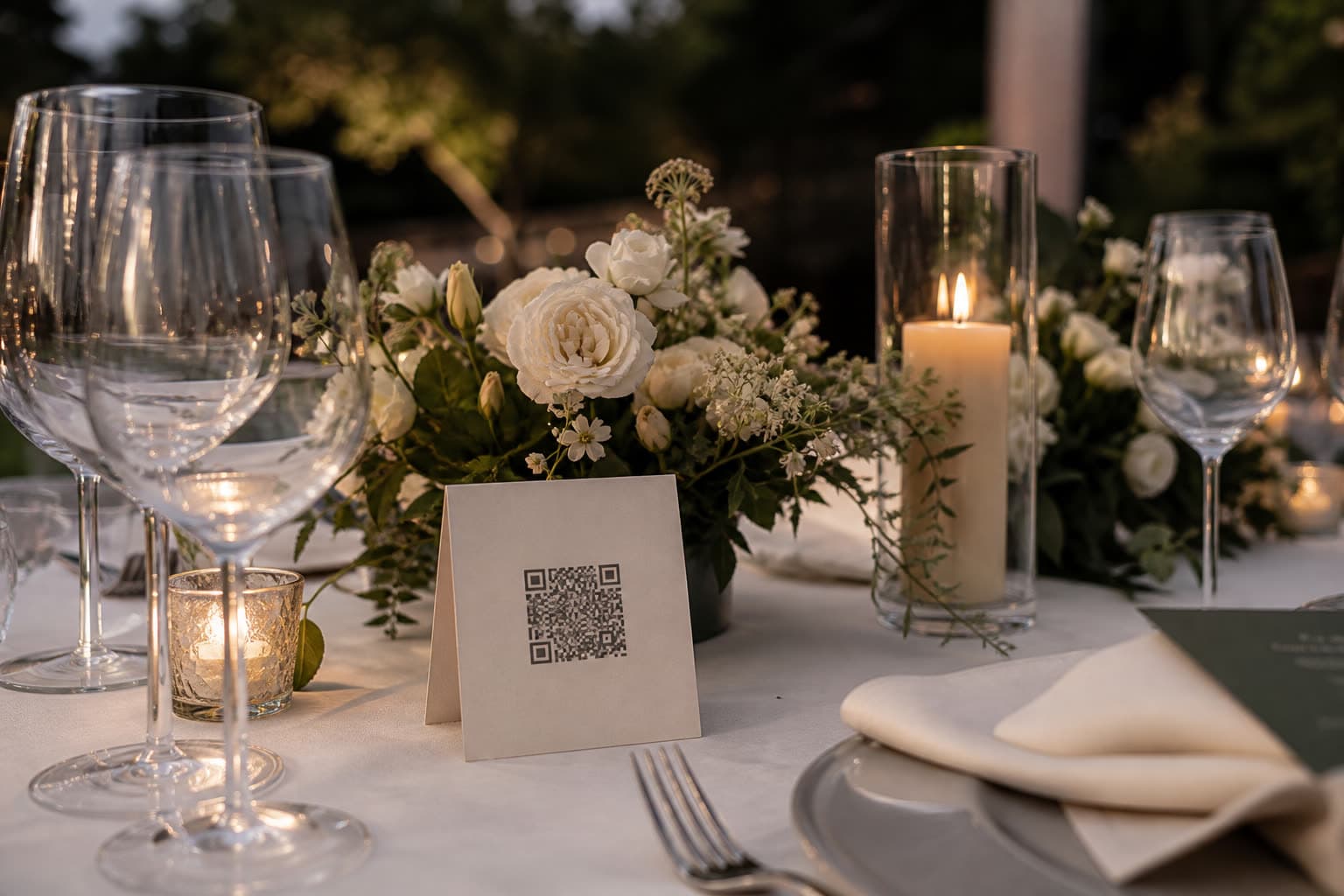
QR codes and links
One labeled link and QR code per table, booth or photographer.
Photos and videos
Full-quality photos and videos, up to 1 GB per file.
Weddings
Every guest's view of your day, in one album.
Give your guests the easiest way to share
Create an event and share the link. Guests can upload in the next minute.