
Wedding and party photo sharing with a QR code
Get the photos your guests already took
Share a QR or a link. Guests upload from their phones. No app, no account.
Clik at a glance
- 0apps or accounts for guests
- 1 minto set up your event
- ∞guests on every plan
- 100%original quality, photos and videos
The toast, the dance floor, the sparklers at midnight. It all lives on your guests' phones. Clik brings it home.



How it works
Four steps, and only the first one is yours. Guests never install anything and never make an account.
Create your event
Name the day on the web or in the iOS app. It takes about a minute.
Share a QR or link
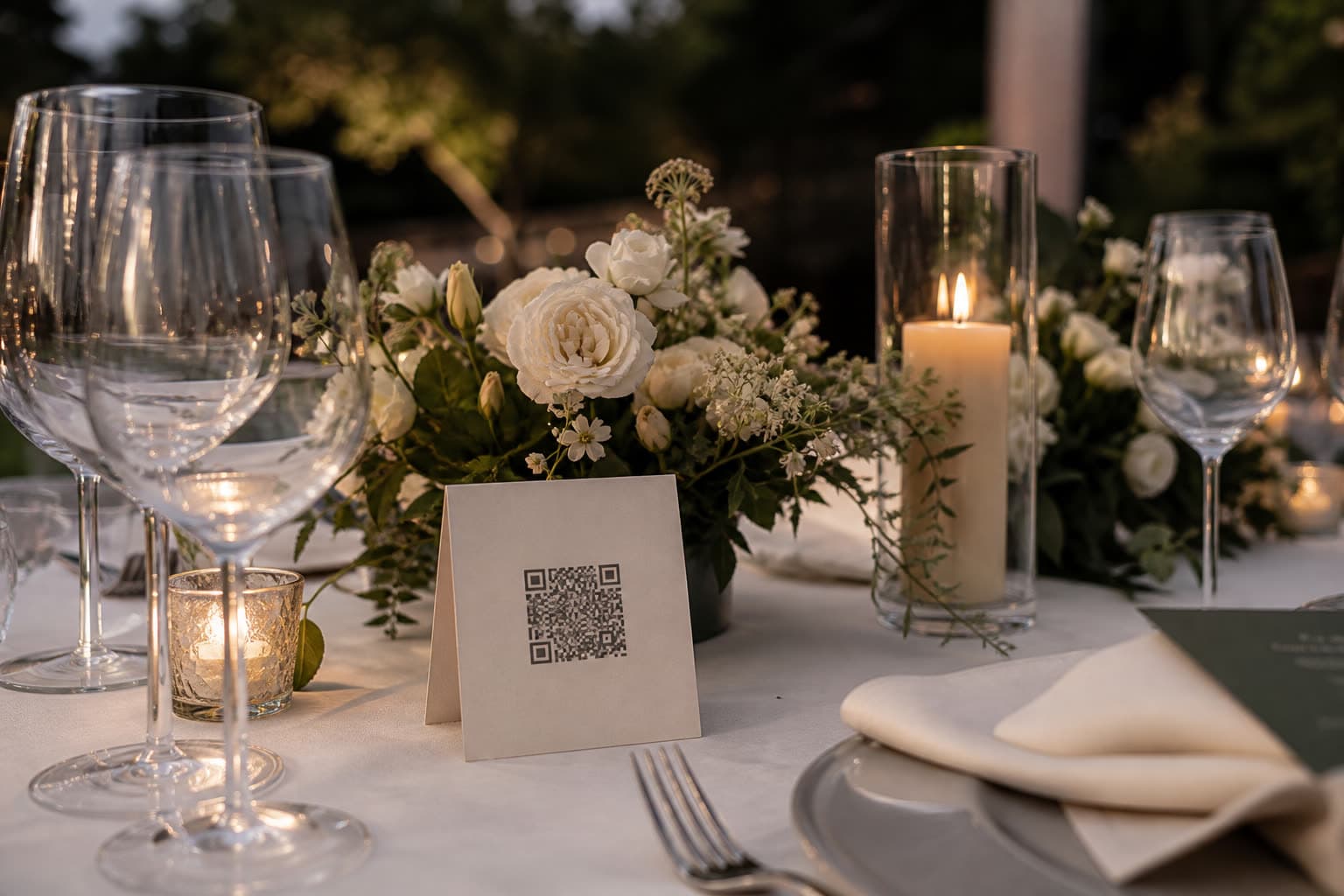
Add labeled links for tables, the photo booth or your photographer. Print the QR, text the link.
Guests upload
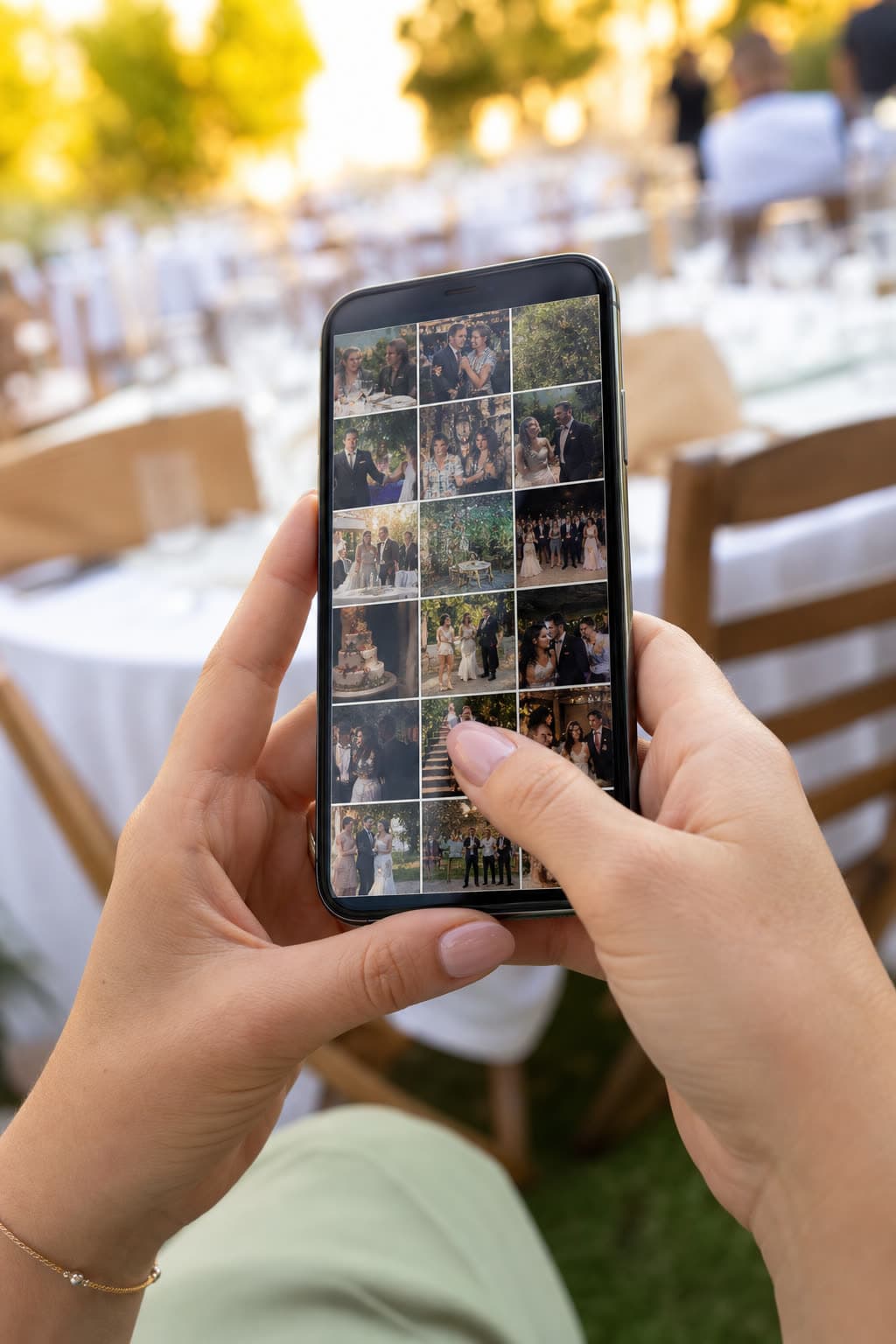
They scan, pick photos and videos from the camera roll, and tap upload. Right there in the browser.
Keep the night
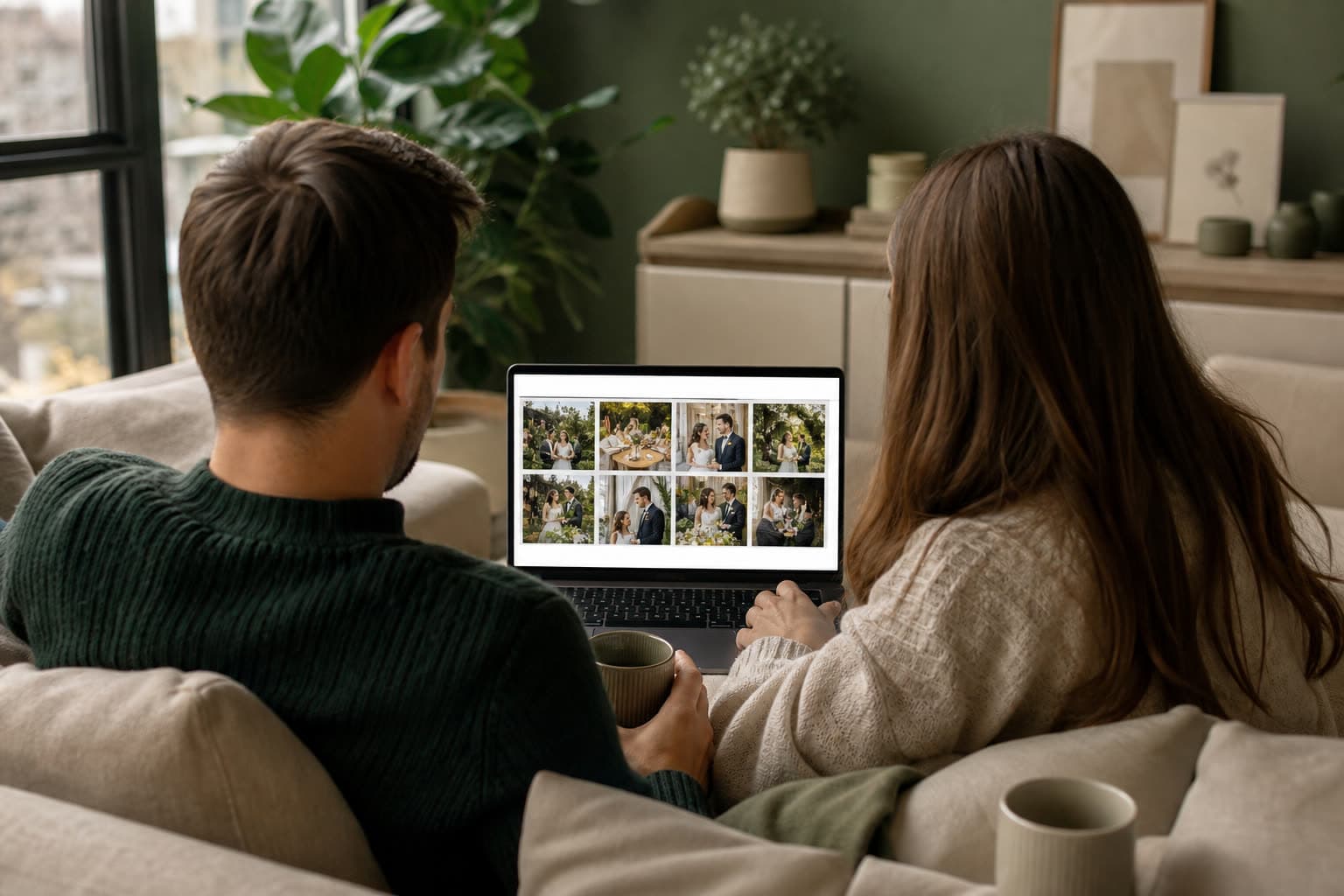
Everything lands in one gallery. Download a file or the whole night as a ZIP, delete what you do not want.
Share your photos of our day
Anna & Mark
Table 5
Make your table card
Type your names and a table. This is the card your guests will scan between courses.
Preview. Your event gets its own private link.
Built for the room
Everything a host needs on the night and the morning after, nothing a guest has to learn.
See all featuresGuests stay in the browser
No App Store, no account. A page, a picker, done.
A QR on every table
One labeled link per table, photo booth or photographer. Print the QR or text it.

Photos and video
Full files from the camera roll, not chat-compressed copies.
Web and iOS
The dashboard and the Clik iOS app share one account.
Keep what you want
Download one file or the whole night as a ZIP. Delete the rest.
One QR code for every kind of party
Weddings first, but it works anywhere everyone has a phone out.

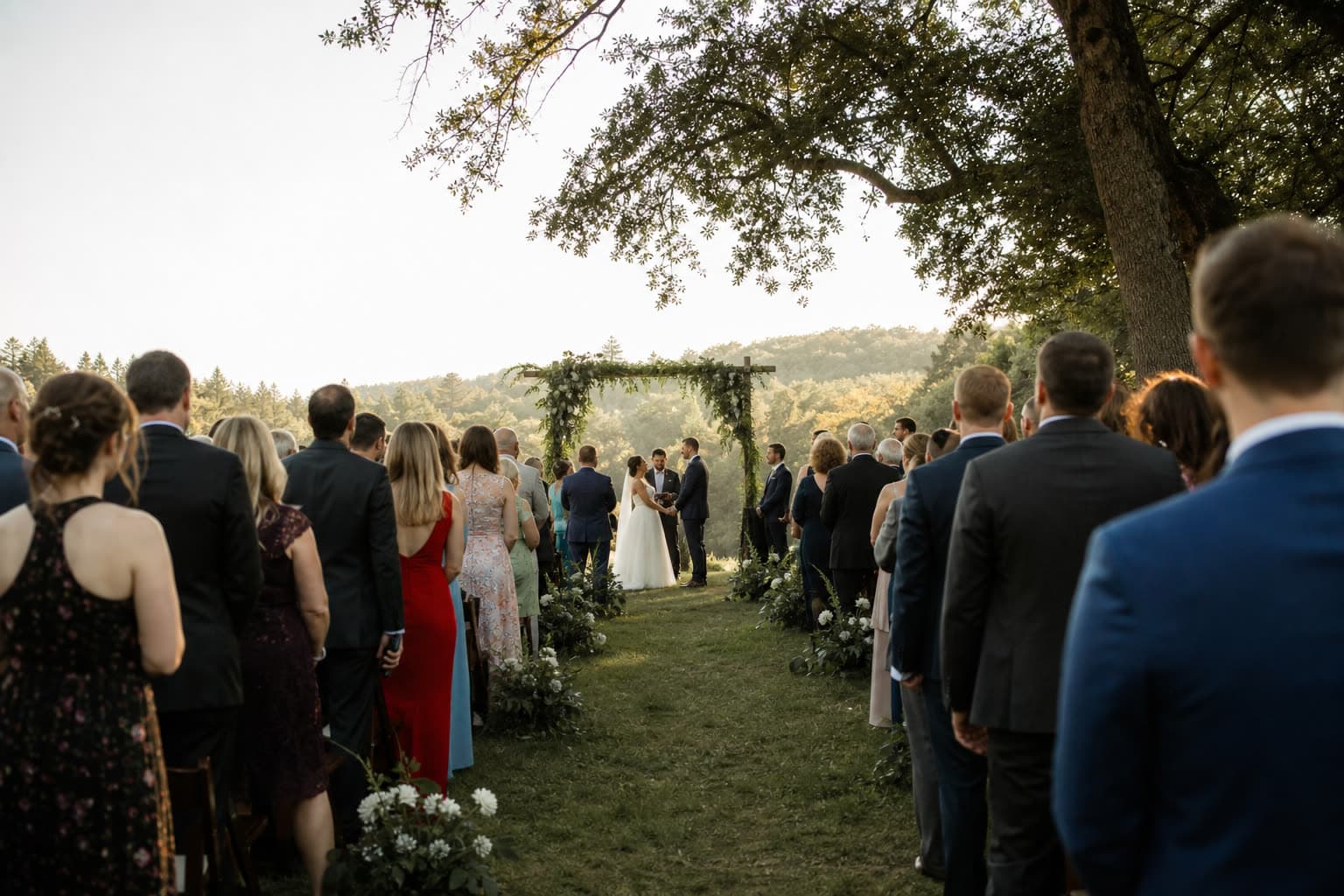
Weddings
Every guest's view of your day, in one album.
Birthdays
The party through everyone's camera, without the group chat.
Company events
Team events, conferences and parties, collected for the company.
Christenings
Christenings and baptisms, seen by the whole family.
Graduations
Graduations and school parties, from every friend's phone.
Reunions
Class and family reunions, with every photo shared afterwards.
How the night usually goes
Start free. Pay once if you need more.
No subscription and no per-guest fees. Every plan takes unlimited guests. Bigger plans keep more photos for longer.
- Free30 photos & videosUS$0
- Starter250 photos & videosUS$10
- Pro1,000 photos & videosUS$49
- UnlimitedUnlimited photos & videosUS$99
Questions hosts ask
No. Guests upload from a mobile web page at your event link (clik.camera/u/...). Hosts can manage events in the Clik iOS app or the web dashboard.
Yes. As the event owner you can browse the full gallery, download files, and delete anything you do not want to keep.
Photos and videos from their camera roll, or taken in the moment. Limits depend on your event plan.
Create one or more upload links per event, each with its own label such as Table 5 or Photo booth. Share a QR code, a URL, or printed cards.
Yes. Birthdays, company parties, reunions, fundraisers, or any gathering where you want every angle in one album.
Yes, to start. The Free plan covers a smaller gathering at no cost and needs no card. For a bigger day, pick a paid plan once per event: no subscription, and you can upgrade later.
Only you. The gallery stays private to your account until you choose to show it to guests or publish a gallery page. Guests can only remove their own uploads.
Wake up to the whole story
Free to start and ready in a minute. Guests can upload tonight.