A QR code for every table
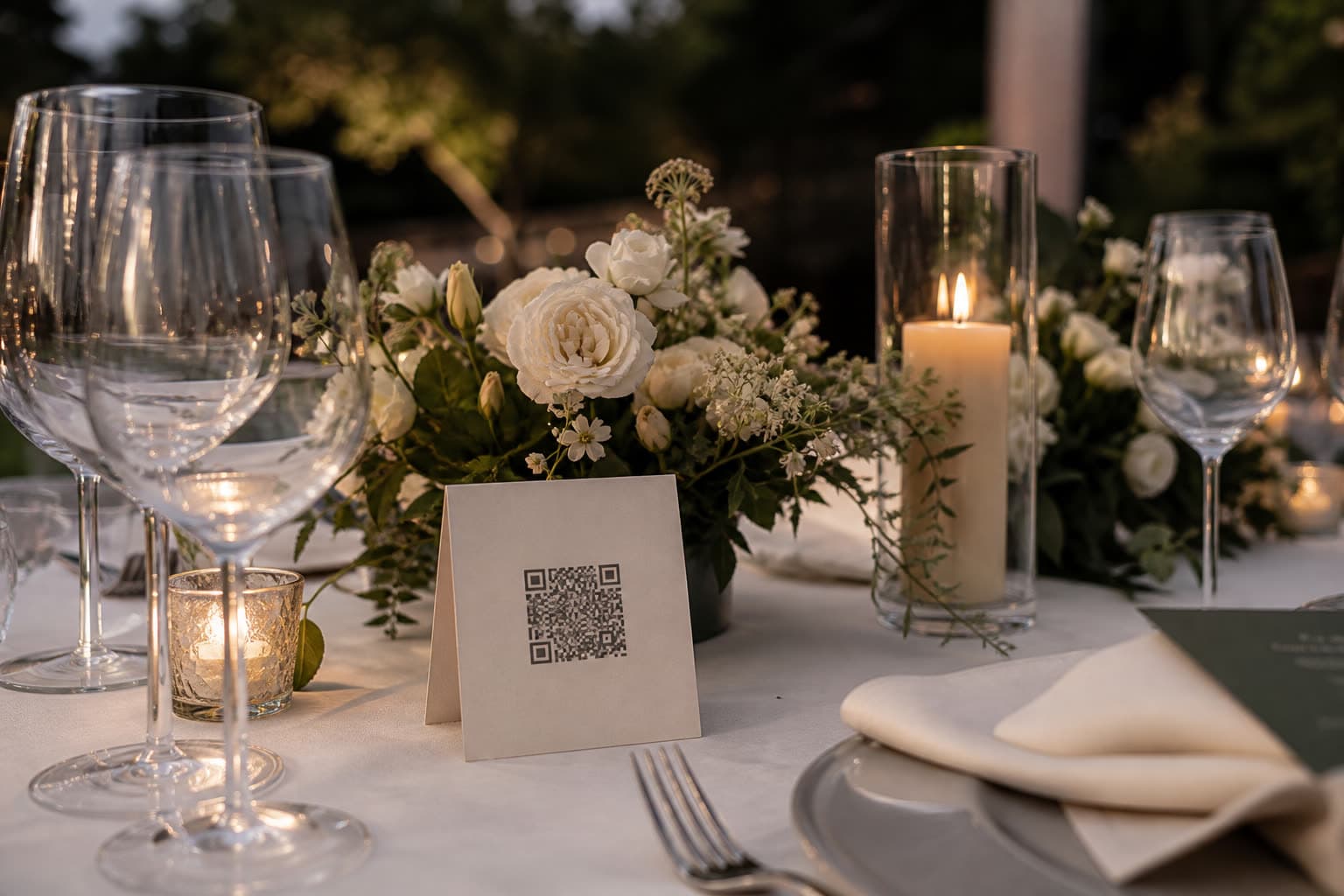
Every Clik event comes with an upload link and its QR code. Add one for each table, the photo booth and the photographer, and every photo still lands in the same gallery.
Share your photos of our day
Anna & Mark
Table 5
Share your photos of our day
Anna & Mark
Photo booth
Share your photos of our day
Anna & Mark
Photographer
Wherever guests look, a way in
One event can have as many links as you like. Here is where hosts put them.
On every table
A small card at eye level between the glasses. Guests scan between courses.

On the welcome sign
The first thing guests see. Add the QR code to the sign you already ordered.

On the big screen
Show the QR code and the short invite code on a slide, for the people across the room.
In the last message
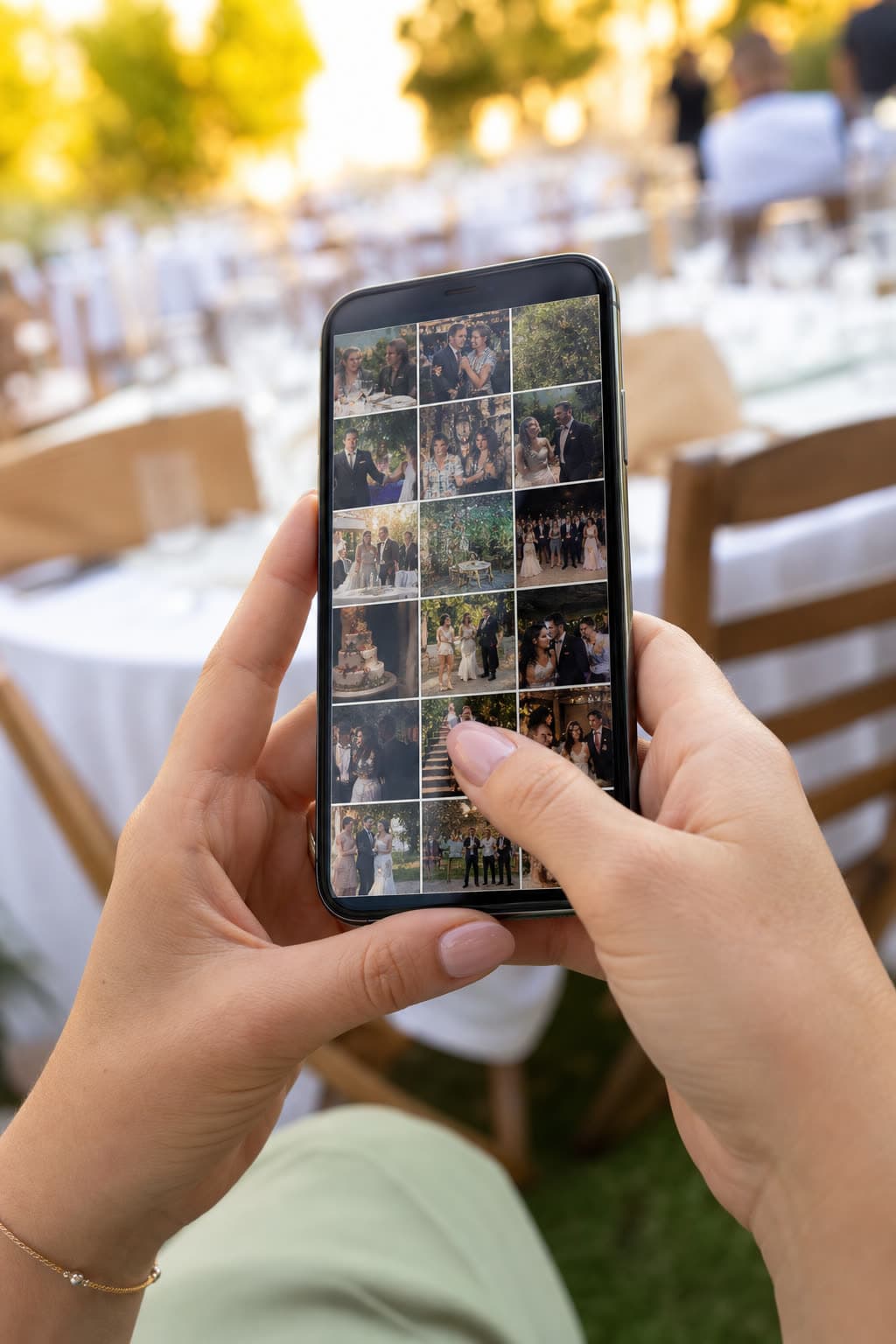
Paste the link into the group chat or the reminder you send the day before.
- ∞upload links per event
- 8characters in each invite code
- SVGQR download, sharp at any size
- Freeon every plan

One gallery, many doors
Label every link
Table 5, Photo booth, Second shooter. The gallery groups uploads by link, so you can see what came from where.
Print it, text it, show it
Download the QR code as an SVG for print, copy the link for a chat, or share it from the iOS app.
Close one, keep the rest
Delete a link and uploads through it stop. Photos that already arrived stay in your gallery.
Share your photos of our day
Anna & Mark
Table 5
Make your table card
Type your names and a table. This is the card your guests will scan between courses.
Preview. Your event gets its own private link.
Questions
No, one link is enough. Separate labeled links just make it easy to see which table sent which photos.
Yes. Deleting a link stops new uploads through it. The photos already uploaded stay in your gallery.
It works as long as the event takes uploads: until your plan's storage period ends or the event is full.
Every link also has a short invite code and a plain web address that guests can type in.
Keep exploring
Photos and videos
Full-quality photos and videos, up to 1 GB per file.
Table cards
Design a printable QR table card right in the browser.
Birthdays
The party through everyone's camera, without the group chat.
Your first QR code is one minute away
Every new event comes with a ready link and QR code.