The christening, from the family
Grandparents, godparents and cousins all take photos of the little one. Clik gathers them in one private album, so nobody has to ask around for weeks.


Grandma Eve
Voice message
Welcome to the family, little one. I will be there for every birthday.
The most beautiful day. Thank you for letting us be part of it.
Why collect christening photos from the family
At a christening or baptism the parents are busy holding the baby, greeting guests and following the ceremony. The photos are taken by everyone else: godparents in the front row, grandparents at lunch, cousins who caught the first smile of the day.
Clik collects all of them in one private album, straight from each relative's phone. Afterwards you can share a gallery page with the family, so everyone sees the same photos instead of passing them around in separate chats.
Made for a family day
Private by default
The album is yours alone. Nothing is public, and guests only see each other's photos if you switch the guest gallery on.
Easy for grandparents
No app and no account. One button to pick photos, one to upload, in English, Hungarian or German.
Words to keep
The guestbook collects written wishes on every plan, and voice messages from Starter up, for the little one to hear one day.
The moments relatives capture
- 10:00
Before the ceremony
The christening outfit, the candle and the family arriving at church.
- 11:00
Ceremony
Godparents up close, grandparents from the pews, from every side at once.
- 13:00
Family lunch
Generations around one table, the cake and the first photos of the baby with everyone.
How to collect christening photos with Clik
Create the event
Name it after your little one, add the date and a cover photo.
Send the link to the family
Share it in the family chat or the invitation, so relatives know where photos go.
Put a card on the lunch tables
Print a small QR card for the reception or the family lunch after the church.
Share the album with everyone
Download the originals and publish a gallery page for the grandparents and godparents.
Tips for christening photos
- Send the link in the family chat a few days before, so nobody forgets.
- Ask a godparent to remind older relatives how to scan the QR.
- Put one card on each lunch table.
- Publish a gallery page afterwards so the whole family sees the same album.
- Download everything before the storage period ends for the baby book.
Ready-made text for the family
Add one of these lines to the invitation or a card on the table.
Share your photos of our little one's big day: scan the code and upload.
No app needed. Scan, choose your photos and videos and tap upload.
Thank you for celebrating with us. Please add your photos to our family album.
Which plan suits a christening
A small family christening often fits the Free plan. For a bigger celebration, or to keep the photos longer, Starter is the usual choice. You can upgrade later and pay only the difference.
Compare all plansRecommended plan
Starter
US$10
one-time price per event
- 250 photos & videos
- 3 months storage
- Unlimited guests
- Voice messages in the guestbook
- Shareable gallery without watermark
Share your photos of our day
Anna & Mark
Table 5
Make your table card
Type your names and a table. This is the card your guests will scan between courses.
Preview. Your event gets its own private link.
See it work on your own event
Create a free event, share the QR code and watch the first photos arrive.
Questions
Yes. Only you can open the gallery, unless you switch on the guest gallery or publish a gallery page.
Usually yes: they scan the code or tap the link, pick photos and press one upload button.
Yes. Publish a shareable gallery page and send one link to everyone.
Yes. Any family celebration works the same way, religious or not.
Yes, if you share the gallery page with them. They do not need an account to view it.
It depends on the plan, from one month on Free to forever on Unlimited. We email you a week before anything is deleted.
Keep exploring

Graduations
Graduations and school parties, from every friend's phone.
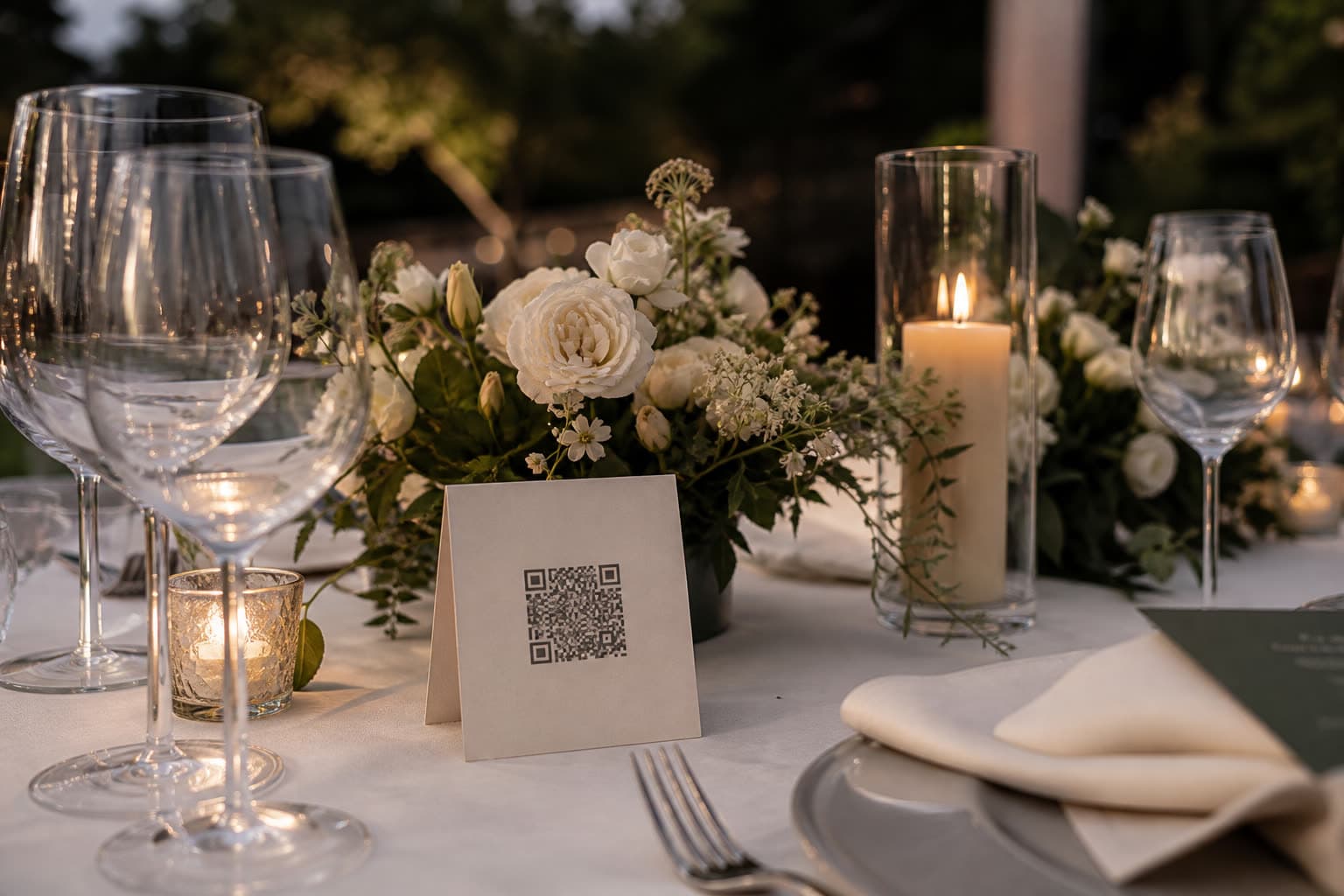
Table cards
Design a printable QR table card right in the browser.

Live slideshow
Guest photos on the big screen, live, as they arrive.
Start the family album
Create the event in a minute and send the link to the family.