One link for everyone who asks
After the event, everyone wants the photos. Publish a gallery page with one switch and send one link to family, friends and the guests who went home early.
Anna & Mark
14 June

Download
From party to shared album
Collect
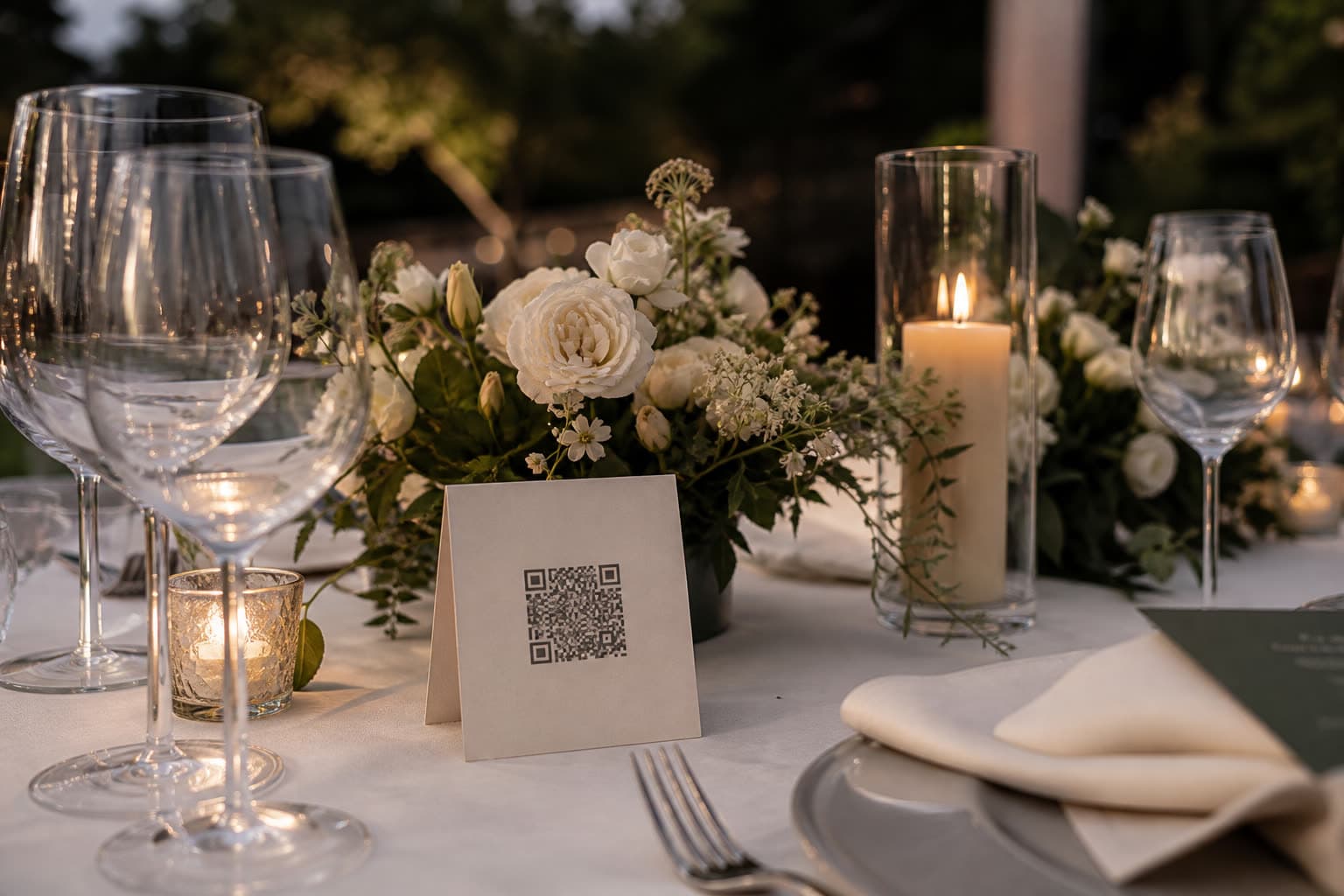
Guests upload all night through the QR codes and links.
Publish
The next day, switch on the gallery page from the event's gallery, on the web or in the iOS app.
Send one link
It opens with a share preview of your event name and cover, in any chat or email.
What family sees
Originals on paid plans
Family can view and download the original files. On Free the photos carry a small Clik badge and cannot be downloaded.
Only what you approved
Hidden photos and anything waiting for approval stay out. Switch the page off and on again, the link stays the same.
Hidden from search engines
Only people with the link can open the page. It stays online for your plan's storage period.
Questions
No. The gallery page is hidden from search engines. Only people with the link can open it.
As long as your plan keeps the photos: from one month on Free to forever on Unlimited.
Yes. Upgrade the event to a paid plan and the gallery shows the originals.
Keep exploring
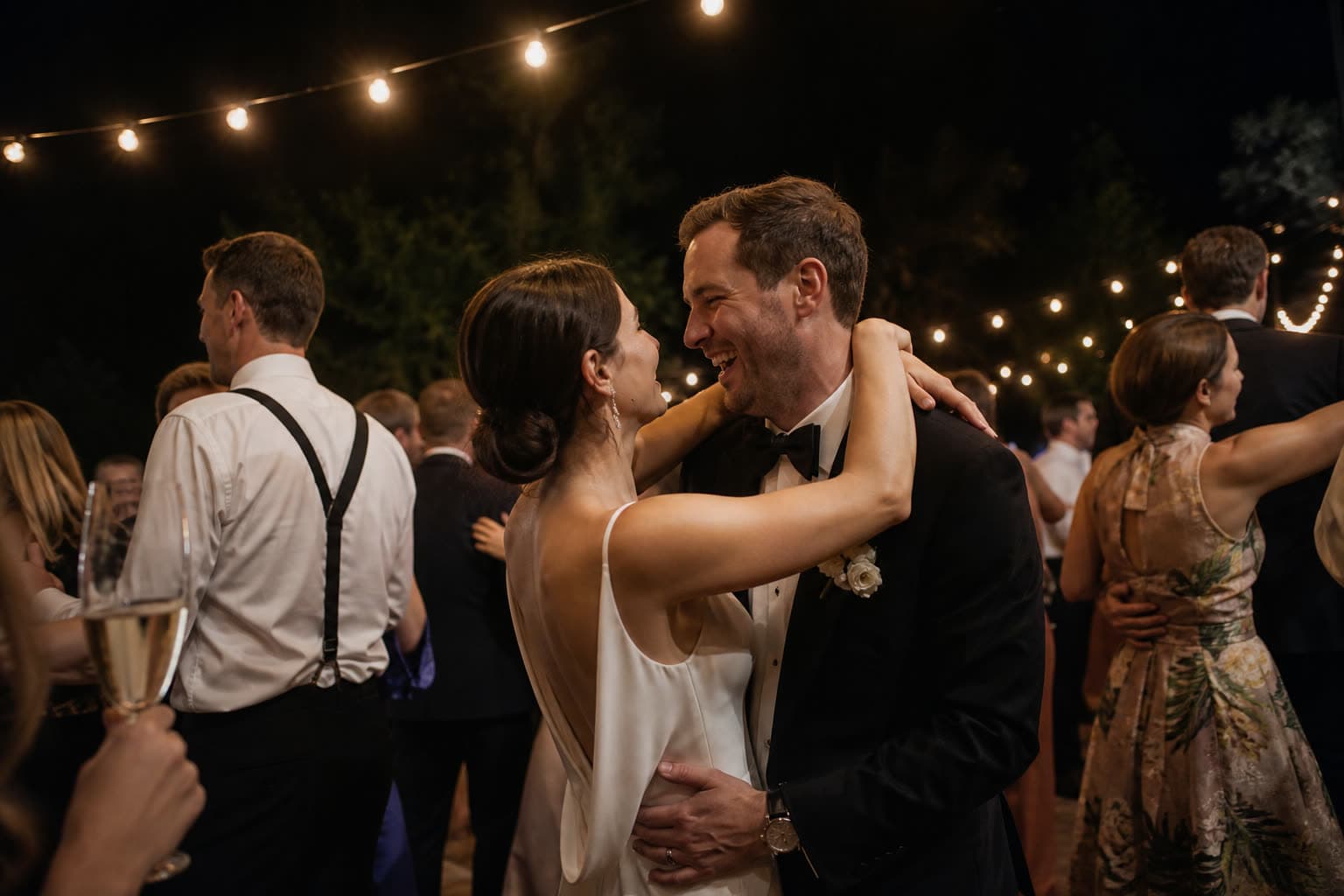
Photo challenges
Fun photo missions for guests, so you get the shots you'd otherwise miss.
Disposable camera mode
Disposable camera mode: the photos develop the morning after.
Company events
Team events, conferences and parties, collected for the company.
Send everyone the photos with one link
Collect the photos first, then publish the gallery the morning after.