The reunion, shared with everyone
Reunions are about the people, and everyone wants the photos afterwards. Clik gathers them from every phone and gives the whole group one album.
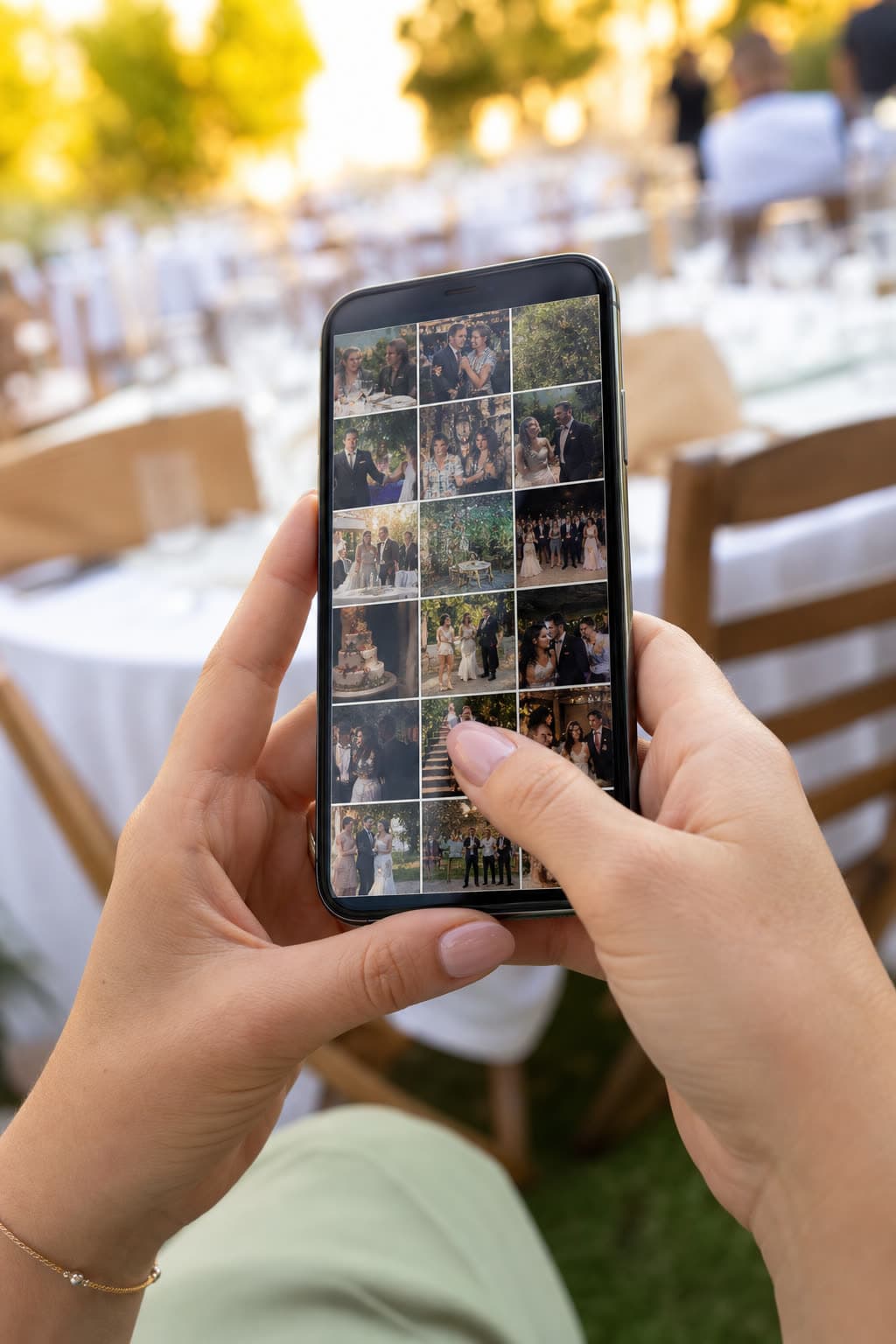
Guest gallery

Why reunions need one shared album
At a class or family reunion everyone takes photos, and everyone asks for them the next day. Usually they end up spread across a dozen chats, and the people who could not come never see them.
Clik gives the reunion one album. Guests upload from the browser with no app, and the organiser publishes one gallery page for the whole group, so the evening is easy to relive and easy to share with those who missed it.
An album the whole group shares
Everyone sees everything
Switch on the guest gallery and the upload page shows every photo the group sent, live, during the evening.
Then and now
Ready-made challenges include recreating an old photo. The results are the best part of the album.
For the ones who could not come
Publish a gallery page the next day and send one link to the whole class or team.
Bring the old photos back
Reunions come with their own ready-made challenges. Tap one to try it.
Photo challenges
2 of 6 done
How to collect reunion photos with Clik
Create the event
Name it, for example Class of 2006, 20 years, and add the date.
Send the link with the invitation
Guests can upload old photos before the evening, and new ones on the night.
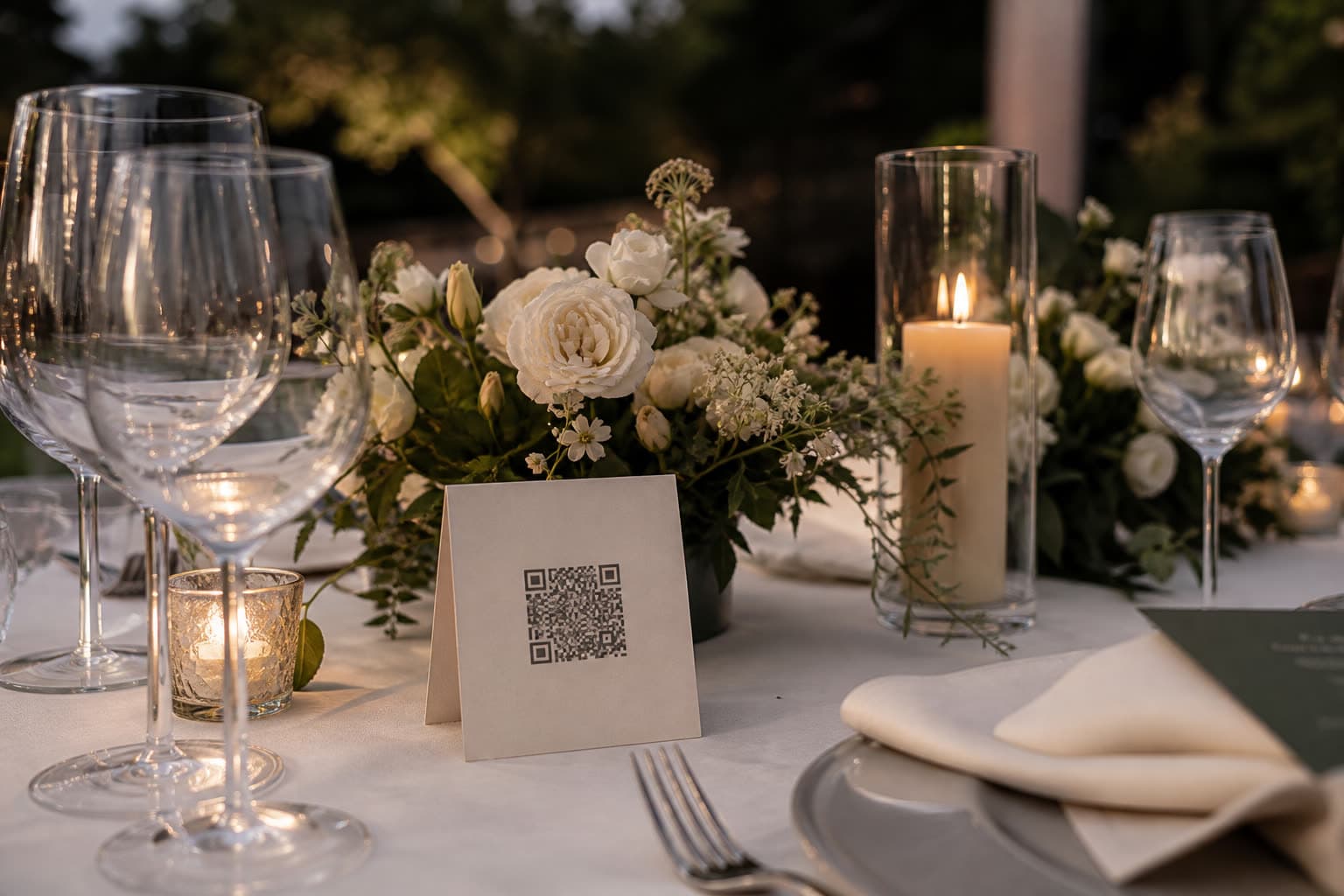
Put the QR on the tables
A small card per table is enough. Nobody needs an app.
Share the gallery with the group
Publish a gallery page and send one link to everyone on the list.
What ends up in a reunion album
 Before
Old photos
Scans of class photos and holiday snaps from years ago.
- 19:00
Arrivals
The first recognitions, the hugs and the then-and-now photos.
 21:00
21:00Group photo
Twenty phones take the same photo, from twenty slightly different angles.
 After
AfterShared gallery
One link for everyone, including those who could not come.
Tips for reunion photos
- Send the link with the invitation and ask for old photos too.
- Put a QR card on every table.
- Take a group photo and ask everyone to upload their version.
- Publish a gallery page the day after and share it with the whole list.
- Download the originals for a printed reunion book.
Ready-made text for the invitation
Add one of these lines to the invitation or the reunion group.
Bring your memories: upload old photos before the evening and new ones on the night.
Scan the code on your table and add your photos to our reunion album. No app needed.
Could not make it? We will share the whole album with everyone afterwards.
Which plan suits a reunion
A small class or family reunion often fits the Free plan. If guests also bring old photos, or you want to keep the album longer, choose Starter. Upgrade later and pay only the difference.
Compare all plansRecommended plan
Starter
US$10
one-time price per event
- 250 photos & videos
- 3 months storage
- Unlimited guests
- Voice messages in the guestbook
- Shareable gallery without watermark
Add your photos of the night
Anna & Mark
Table 5
Make your table card
Type your names and a table. This is the card your guests will scan between courses.
Preview. Your event gets its own private link.
See it work on your own event
Create a free event, share the QR code and watch the first photos arrive.
Questions
Yes. Publish a gallery page and send its link to everyone. Viewing needs no account.
Yes. Anything in their camera roll can be uploaded, including scans and photos of printed pictures.
Yes. Class, family, team or club reunions all work the same way.
Yes. The link works as soon as you create the event, so people can send old photos in advance.
No. Guests upload from the browser with no account. Only the organiser has an account.
Yes. Download the originals as a ZIP on the web, ready for printing.
Keep exploring
Weddings
Every guest's view of your day, in one album.
Guest gallery
Guests see each other's photos, with approval if you want it.

Shareable gallery
A shareable gallery page for family and friends after the event.
Bring the whole group's photos together
Create the event and send the link with your invitation.