The whole class in one album
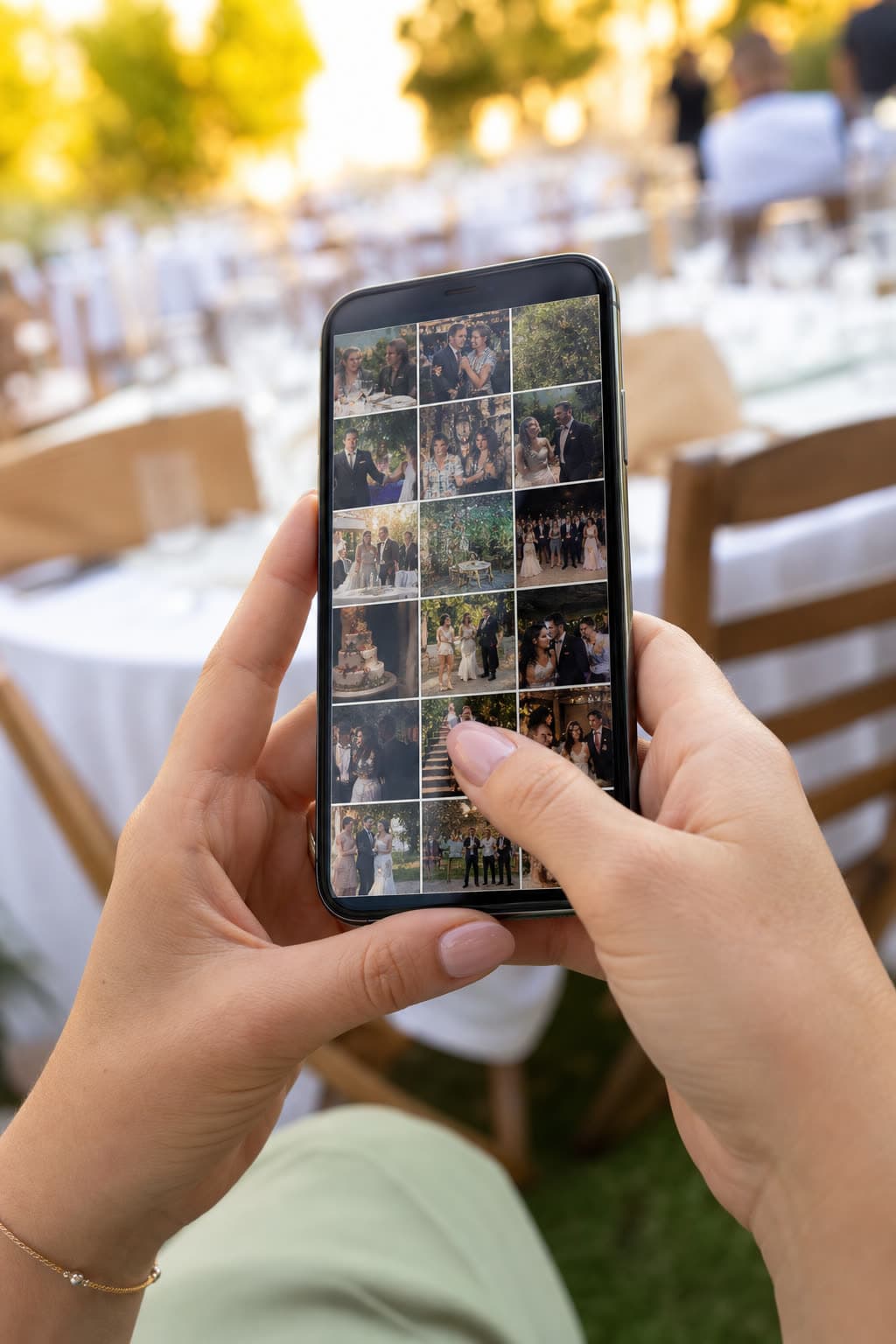
Everyone films the walk across the stage, the cap toss and the party after. Clik collects it from classmates and families in one place before it disappears into a hundred camera rolls.
Class of 2026
14 June
Download
Why collect graduation photos in one place
A graduation happens once, and everyone records it: parents in the audience, friends backstage, teachers at the party. A week later those photos are spread across hundreds of phones and a few disappearing stories.
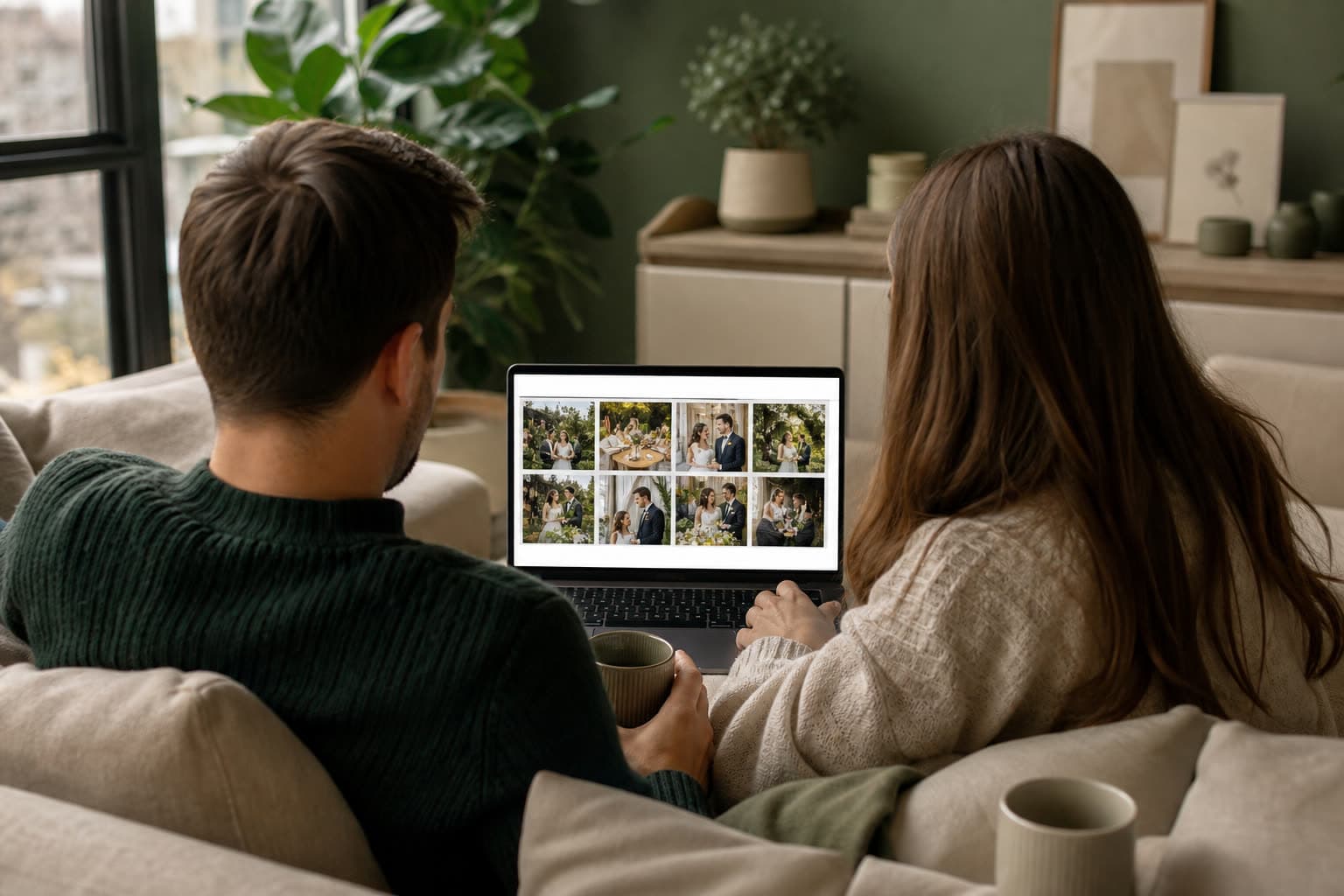
With Clik the class gets one shared album. Anyone with the link or QR code can add their photos and videos from the browser, and the organiser can publish a gallery page so every classmate gets the full set.
How to collect graduation photos with Clik
Create the event
A parent, a class rep or the school creates the event in a minute.
Share the link with the class
Post it in the class chat and send it to families before the day.
Show the QR at the venue
Print it on the programme or a poster by the entrance and the party.
Publish the class gallery
After the day, share one gallery link with everyone in the year group.
Missions for the class
Graduations come with their own ready-made challenges. Tap one to try it.
Photo challenges
2 of 6 done
Moments everyone wants a copy of
 10:00
10:00Lining up
Gowns, flowers and the nervous last photos together as a class.
 11:00
11:00The ceremony
Every name called, filmed by a proud family somewhere in the audience.
 13:00
13:00Photos with family
Grandparents, teachers and best friends in front of the school.
 20:00
20:00The party
The celebration afterwards, from the people who were really in it.
One link for every family
A gallery page for the class
Publish a shareable gallery and send one link to every classmate and family, instead of fifty group chats.
Originals to download
On paid plans families download the original files for frames and yearbooks. On Free the photos carry a small Clik badge.
Kept as long as you need
Storage runs from the graduation day, from one month on Free to forever on Unlimited.
Tips for a complete class album
- Share the link in the class chat a few days before.
- Print the QR on the programme so families have it in hand.
- Use separate links for the ceremony and the party.
- Switch on photo approval if the album will be shared with the whole school.
- Publish the gallery page within a week, while everyone still asks for photos.
Ready-made text for the class
Post one of these lines in the class chat or print it on the programme.
One album for the whole class: scan the code and add your photos and videos.
No app needed. Scan, choose your best shots of today and upload.
Families welcome too: share what you filmed so every graduate gets a copy.
Which plan suits a graduation
A small class party can start on Free. A whole year group with families sends many more photos and videos, so Starter or Pro fits better. Upgrade at any time and pay only the difference.
Compare all plansRecommended plan
Starter
US$10
one-time price per event
- 250 photos & videos
- 3 months storage
- Unlimited guests
- Voice messages in the guestbook
- Shareable gallery without watermark
Drop your photos of the party
Anna & Mark
Table 5
Make your table card
Type your names and a table. This is the card your guests will scan between courses.
Preview. Your event gets its own private link.
See it work on your own event
Create a free event, share the QR code and watch the first photos arrive.
Questions
Anyone: a parent, a class representative or the school. Only the creator manages the gallery.
Yes. Publish a shareable gallery page and send its link to the class.
Yes. Hide or delete any photo, and only visible, approved photos appear on the gallery page.
Yes. Use one event with two labeled links to see which photos came from where.
No. The upload page works in any phone browser with no app and no account.
Yes. Create one event per class or per ceremony, each with its own links and gallery.
Keep exploring
Reunions
Class and family reunions, with every photo shared afterwards.
Private gallery
One private gallery to browse, download as ZIP and tidy up.
Guestbook
Written and voice messages from guests, collected with the photos.
Give your class one album
Create the event and share the link before the big day.