Company events, seen by everyone
Team days, year-end parties and conferences produce hundreds of great photos that never reach the marketing folder. One Clik link gathers them while people are still in the room.
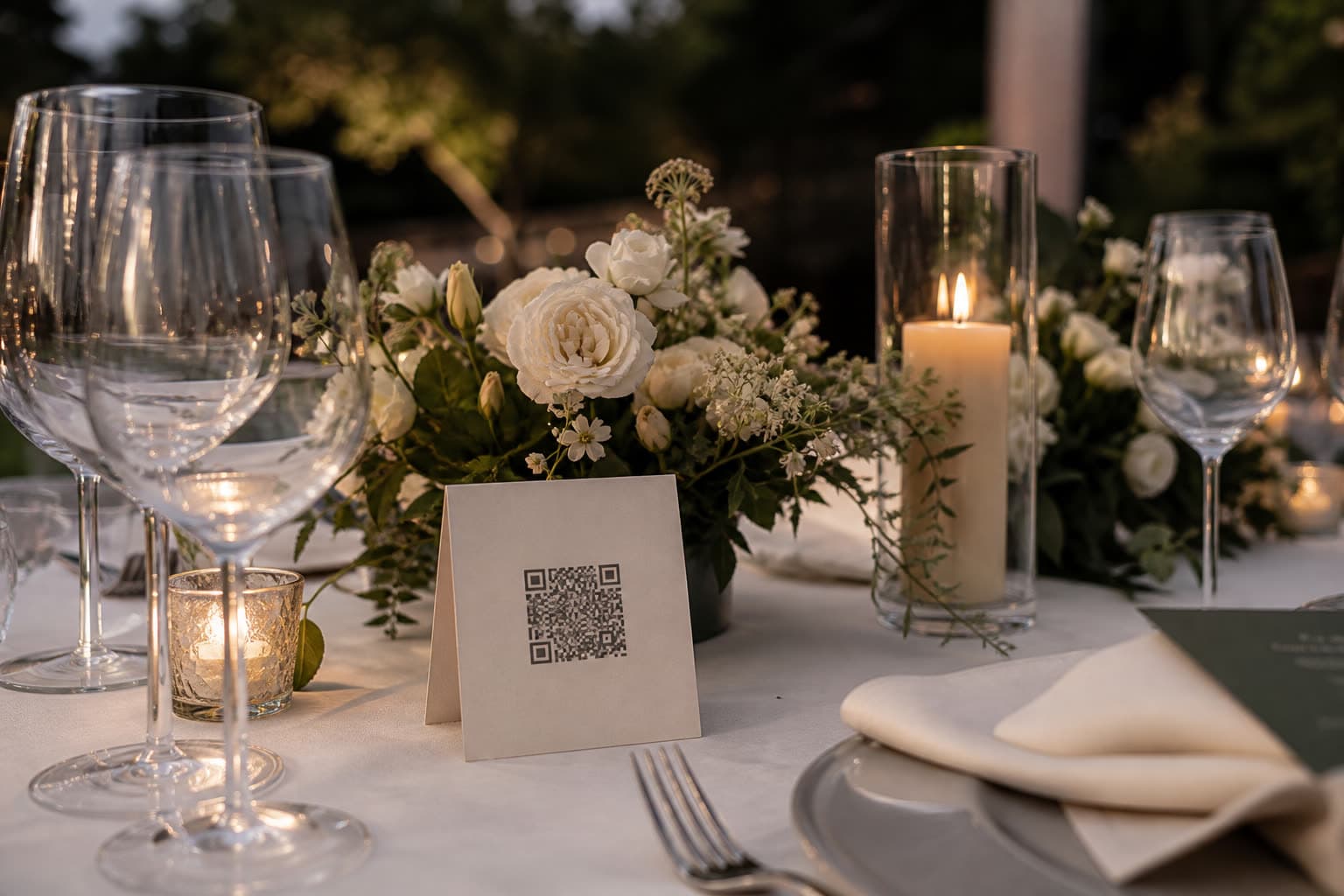
Add your photos of the night
Company night
Main stage
Add your photos of the night
Company night
Registration
Add your photos of the night
Company night
Evening party
One link per touchpoint
Label a link for every place people gather. The gallery keeps them apart, so each team gets what it needs.
Main stage
The QR on the opening slide and between talks. Keynotes from every row of seats.
Registration
A card next to the badges. The first photos arrive before the coffee is poured.

Evening party
Its own link, so the party photos stay apart from the conference ones.

Your photographer
The hired photographer uploads through a separate link, next to everyone else's shots.
Why collect attendees' photos at company events
A hired photographer covers the keynote. The real atmosphere of a team day, a year-end party or a conference is on attendees' phones: the workshop whiteboard, the team photo by the lake, the CEO on the dance floor. Those photos rarely reach HR or marketing.
Clik turns every attendee into a contributor without accounts or apps. Separate links for each stage, room or location keep the gallery organised, and the organiser downloads everything for the intranet, the newsletter, recruiting posts or next year's invitation.
Where the best company photos come from
- 09:00
Registration
Badges, coffee and the first reunions of remote colleagues.
- 11:00
Sessions
Slides, whiteboards and the speaker from the third row.
- 15:00
Team activities
The workshop, the cooking class or the boat trip, from inside the teams.
- 20:00
Evening party
Awards, toasts and the dance floor: the photos people actually share.
You stay in control of what is shown
Approve before anything is public
With photo approval on, uploads wait for you before they reach the guest gallery, the slideshow or the shared gallery.
On the big screen, live
Pro and Unlimited include a live slideshow for the venue screen, with the upload QR in the corner.
Ready for the marketing folder
Original files, sorted by link and downloaded as one ZIP for the recap post and the newsletter.
How to collect event photos for your company
Create the event
One event for a party, or one per day or venue for a multi-day conference.
Make links per stage or room
Label links like Main stage, Workshop B or After-party, and see where each photo came from.
Put the QR where people wait
On badges, the welcome screen, the bar and between sessions on the stage screen.
Hand the gallery to the team
Hide anything that should not be shared and download the rest as a ZIP for marketing and HR.
Add your photos of the night
Anna & Mark
Table 5
Make your table card
Type your names and a table. This is the card your guests will scan between courses.
Preview. Your event gets its own private link.
Tips for company event photos
- Print the QR on name badges so everyone carries it all day.
- Show the QR on stage screens during breaks.
- Switch on photo approval if the photos will appear on a shared screen.
- Use one link per location to keep the gallery sorted for the marketing team.
- Remind attendees in the closing session: many upload on the way home.
Ready-made text for badges and screens
Use one of these lines on badges, signage or the event app.
Share your photos from today: scan the code, no app or account needed.
Caught a great moment? Add it to the event gallery and help us tell the story.
Scan to upload your photos and videos from the conference.
Which plan suits a company event
Team events with many attendees produce a lot of photos, and marketing often needs them for months. Pro covers most company events and adds the live slideshow for the stage screen. Pick Unlimited for large conferences.
Compare all plansRecommended plan
Pro
US$49
one-time price per event
- 1,000 photos & videos
- 1 year storage
- Unlimited guests
- Voice messages in the guestbook
- Shareable gallery without watermark
- Live slideshow
See it work on your own event
Create a free event, share the QR code and watch the first photos arrive.
Questions
No. Anyone with the link or QR code can upload, and only the organizer sees the gallery.
Yes. Keep one event for the whole conference, or create one per day or venue. Each has its own links and gallery.
Clik is operated by Szabó Gergő Péter E.V., a sole trader in Hungary. Card payments on the web go through Stripe.
Yes. With photo approval on, nothing reaches the guest gallery or the slideshow until you approve it.
Yes. On Pro and Unlimited, the live slideshow runs from a link on any projector or smart TV.
Yes. Hide or delete any photo in the gallery before you download the set for the team.
Keep exploring
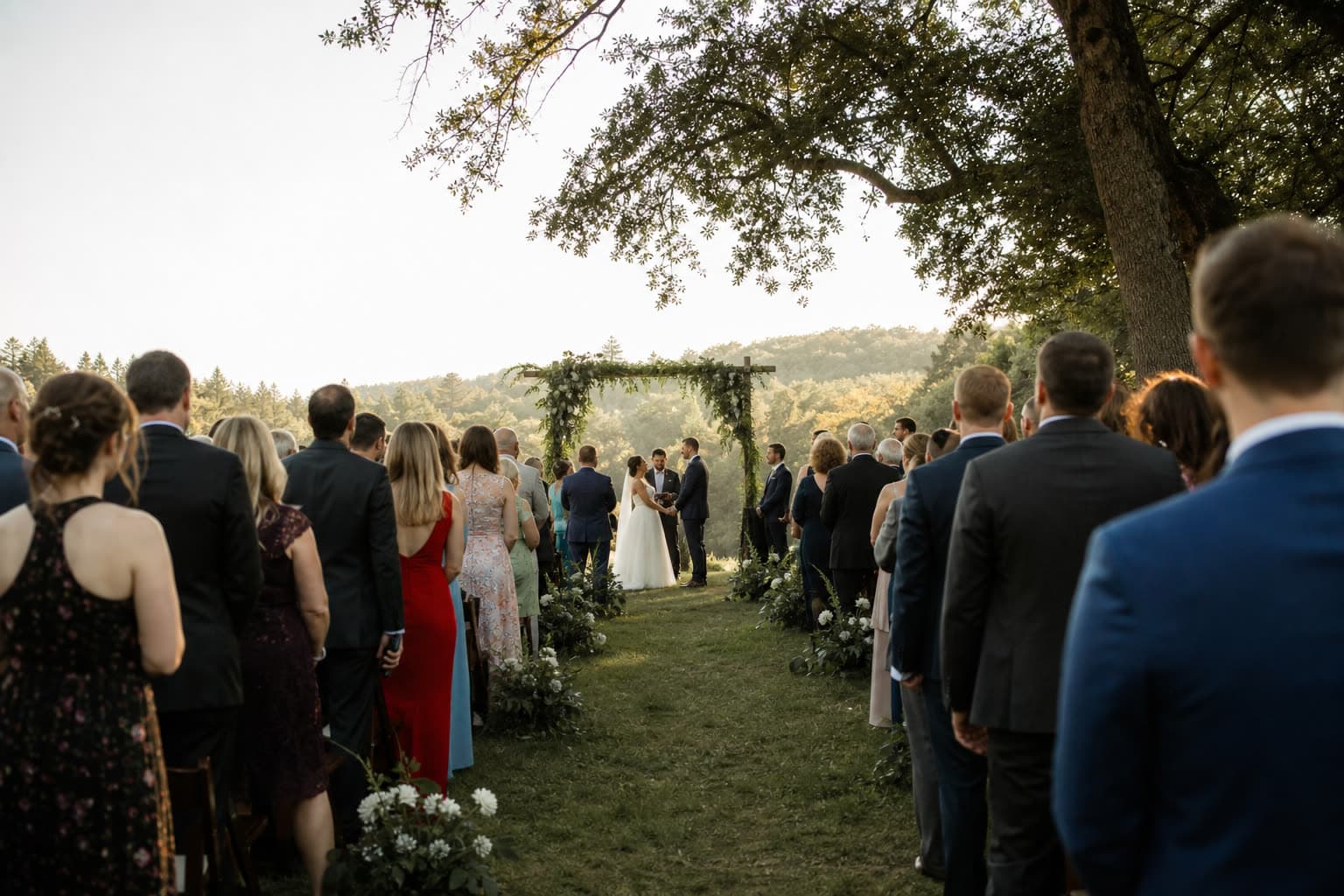
Christenings
Christenings and baptisms, seen by the whole family.
Photos and videos
Full-quality photos and videos, up to 1 GB per file.
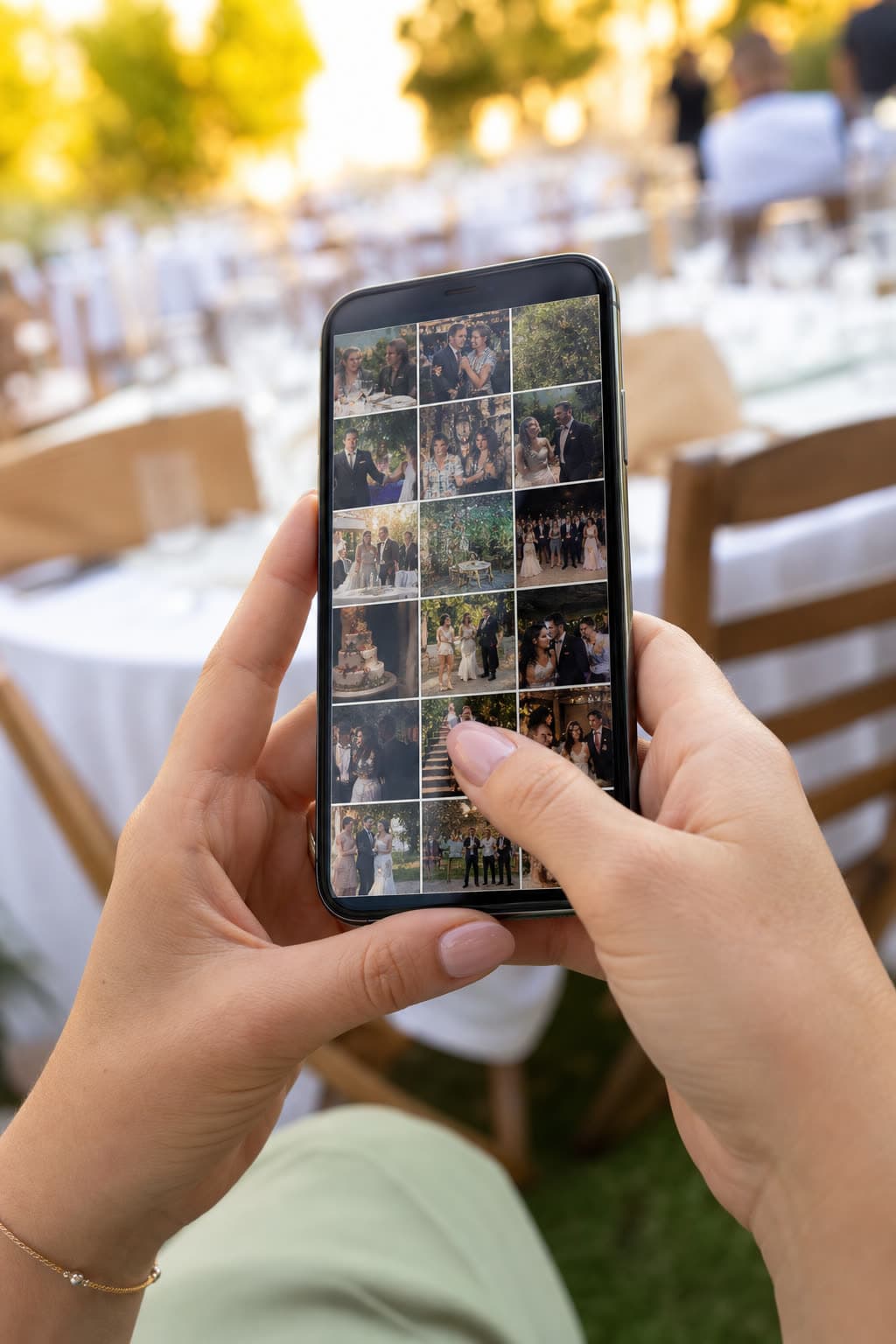
Guest gallery
Guests see each other's photos, with approval if you want it.
Collect your next event's photos
Set up the event and print the QR codes for the venue.