The whole party, no group chat
Group chats squash photos and bury them under messages. Give the party one QR code instead, and every candle, toast and dance move ends up in one album.

 New
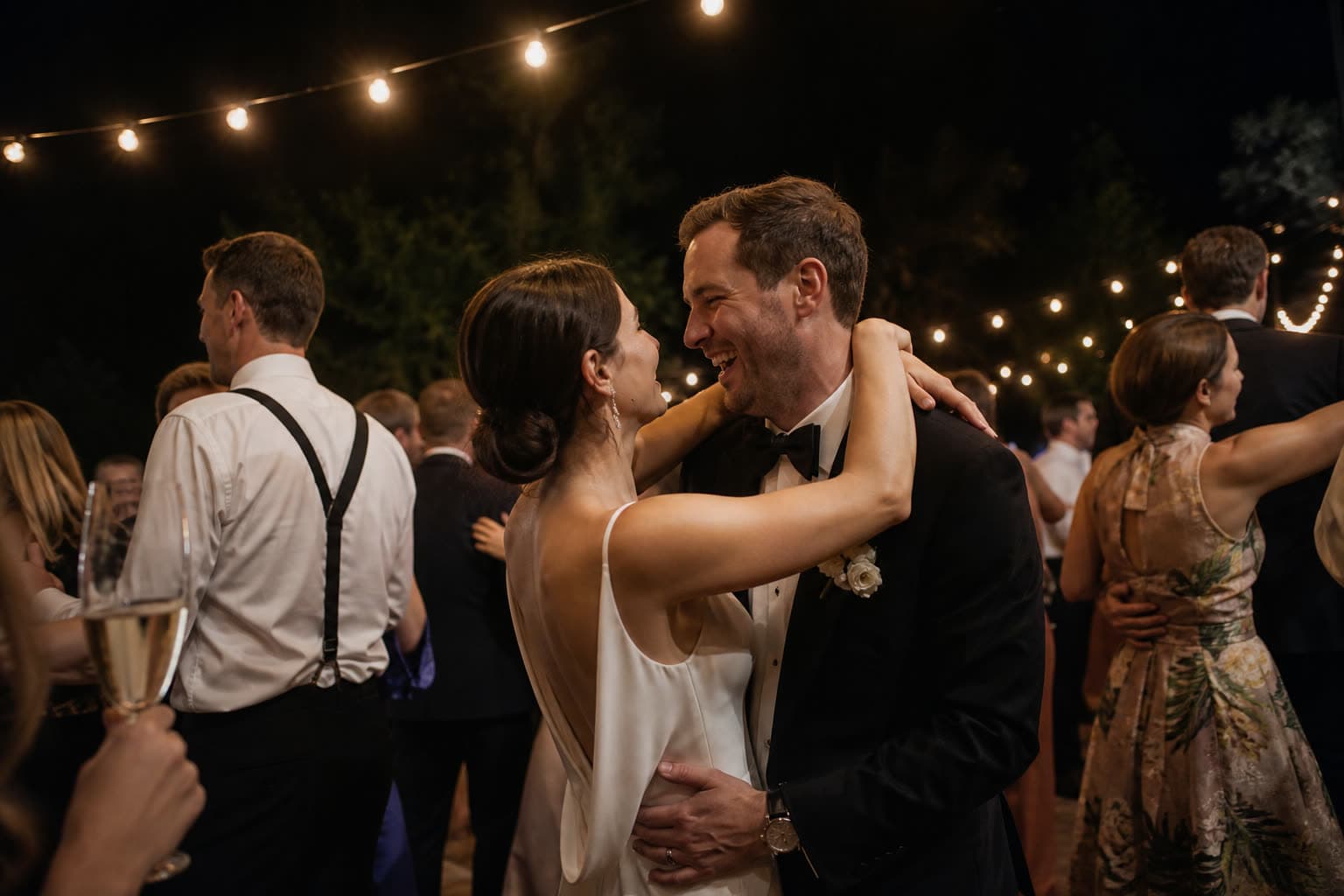
NewBlowing out the candlesPhoto by Lili
Share your photosScan with your phone camera
Why a birthday album beats the group chat
After a party, the photos are everywhere: three group chats, a few stories that vanish in a day, and the best shots stuck on the phone of a guest you barely know. Chat apps also shrink every photo, so the ones you do get are too small to print.
With Clik every guest sends their photos and videos to one place, in full quality, straight from the browser. It works for a 30th with a hundred friends, a 60th with the whole family, or a dinner for ten, and the album makes a lovely present for the person whose birthday it was.
Give the party a few missions
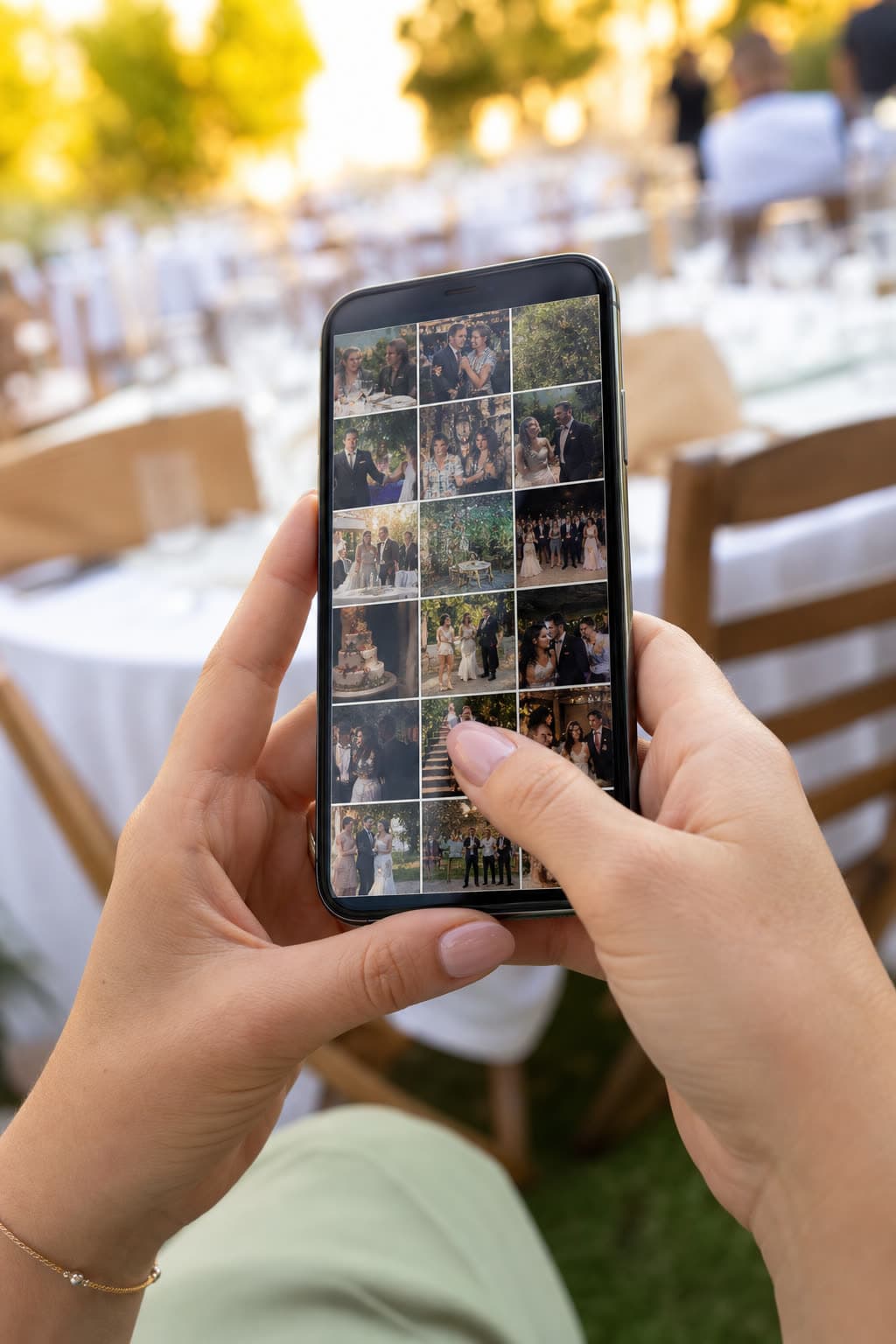
A birthday comes with ready-made photo challenges. Tap one, the way your guests will.
Photo challenges
2 of 6 done
How to collect birthday photos with Clik
Create the party event
Give it a name like Anna's 30th, add the date and a cover. It takes about a minute.
Share the link early
Put the link in the invitation or the event chat, so guests already know where the photos go.
Put a QR by the cake and the bar
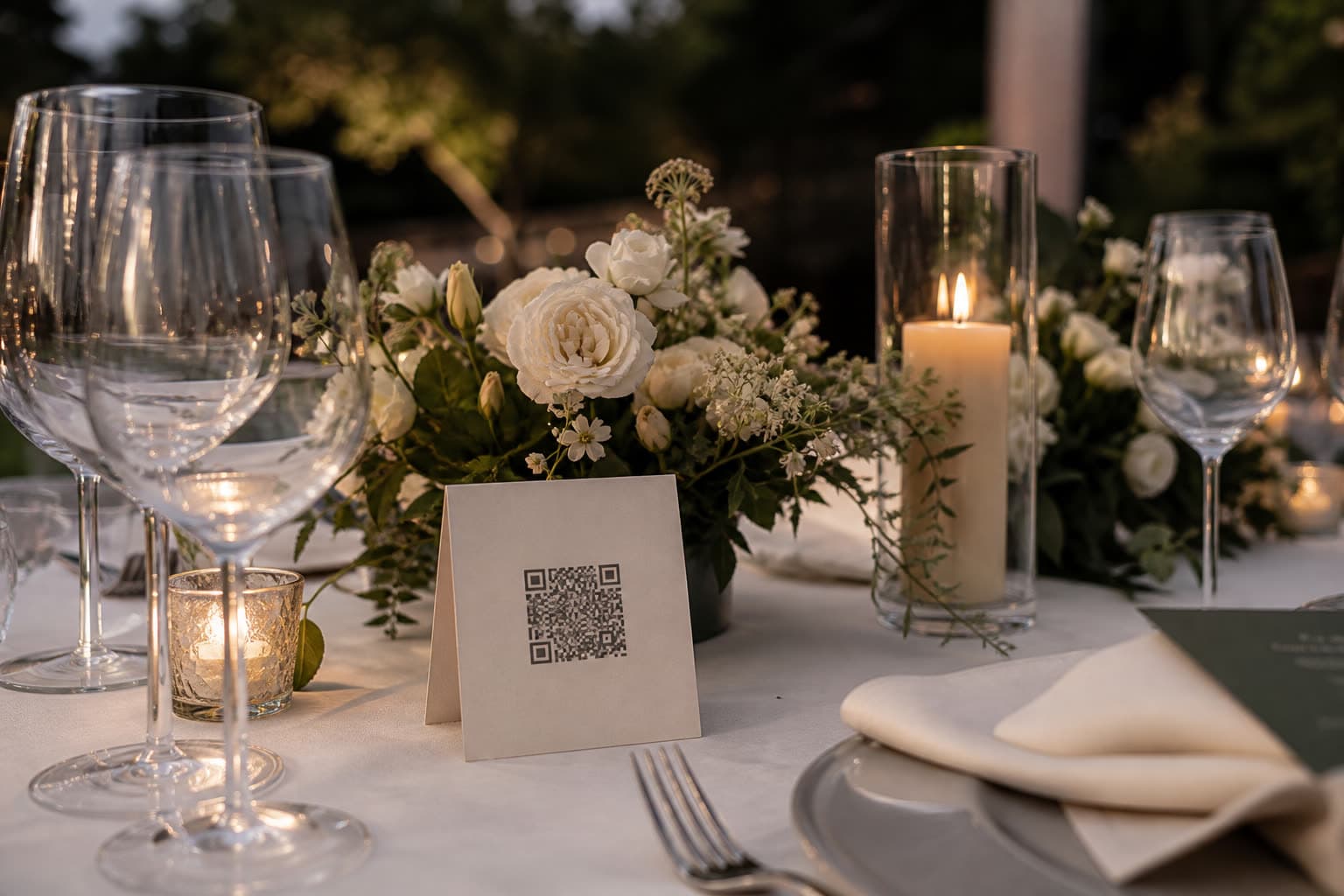
Print a card or show the QR on a screen. Guests scan whenever they have a moment.
Download the album
Save everything as a ZIP the next day, or turn it into a gift for the birthday person.
The moments guests catch
- 19:00
Arrivals
Hugs at the door, presents on the table and the first group selfie.
- 20:30
Speeches
The embarrassing stories, the toast and the face of the birthday person.
- 21:00
The cake
Candles from every angle, plus the video of everyone singing slightly off key.
 23:00
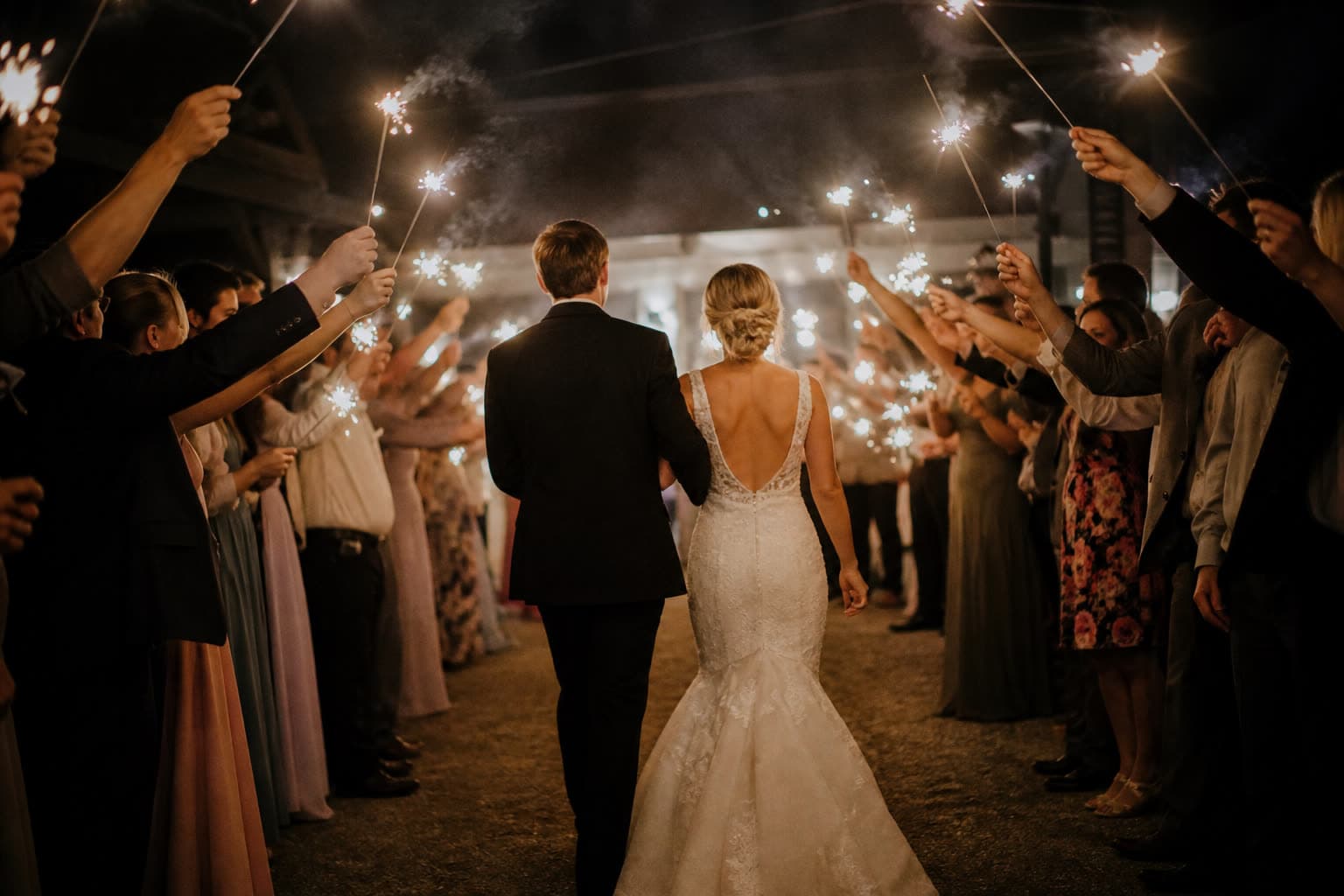
23:00Dancing
The part nobody remembers clearly, which is exactly why you want the videos.
Tips for a full birthday album
- Put the upload link in the invitation, not only on the night.
- Place a card next to the cake: everyone has their phone out at that moment.
- Ask one friend to remind people to upload before they leave.
- Switch on the guest gallery so guests see and enjoy each other's photos.
- Make it a surprise: anyone can create the event and give the album as a gift.
Ready-made text for the invitation
Add one of these lines to your invitation or to a card at the party.
Bring your phone and your best angles: scan the code and add your photos to the party album.
No app, no sign-up. Scan, pick your photos and videos, upload.
Caught the cake moment? Share it here so it does not get lost in the group chat.
Which plan suits a birthday
A dinner with friends often fits the Free plan. A big milestone party with dancing quickly sends more photos and videos, and Starter keeps them longer. You can upgrade during or after the party.
Compare all plansRecommended plan
Starter
US$10
one-time price per event
- 250 photos & videos
- 3 months storage
- Unlimited guests
- Voice messages in the guestbook
- Shareable gallery without watermark
Drop your photos of the party
Anna & Mark
Table 5
Make your table card
Type your names and a table. This is the card your guests will scan between courses.
Preview. Your event gets its own private link.
See it work on your own event
Create a free event, share the QR code and watch the first photos arrive.
Questions
No. A dinner with ten friends works just as well as a 50th birthday with a hundred guests.
Yes. The link keeps working for the storage period of your plan, so late uploads land in the same album.
Yes. Anyone can create the event and later download the album to give as a gift.
Yes. Parents upload from their own phones, and the gallery stays private to you unless you choose to share it.
Yes. Every plan has a written guestbook on the upload page, and from Starter guests can also record a short voice message.
No. Clik keeps the original files exactly as the phone saved them.
Keep exploring
Company events
Team events, conferences and parties, collected for the company.
QR codes and links
One labeled link and QR code per table, booth or photographer.
Private gallery
One private gallery to browse, download as ZIP and tidy up.
Make the party album tonight
Free to start, ready before the first guest arrives.