QR table cards guests really scan
A small card between the glasses does more than any announcement. Type your names and a table below, and see the card with its QR code.
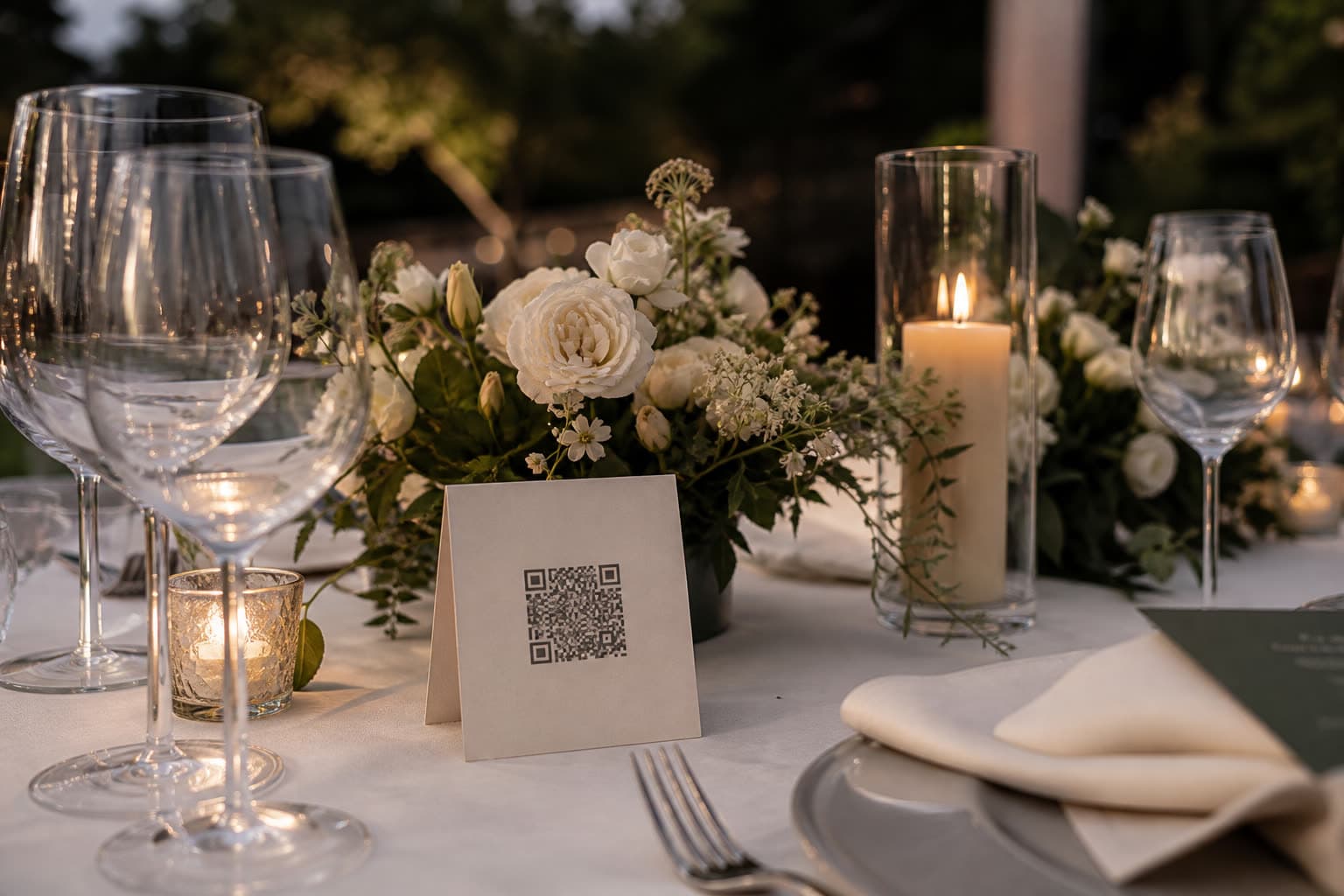
Share your photos of our day
Anna & Mark
Table 1
Share your photos of our day
Anna & Mark
Table 2
Share your photos of our day
Anna & Mark
Table 3
Share your photos of our day
Anna & Mark
Table 5
Make your table card
Type your names and a table. This is the card your guests will scan between courses.
Preview. Your event gets its own private link.
Three designs, three sizes
In your event, every upload link prints as a card in the design and size you pick, with cut lines on A4.
Classic
Black on white. Quiet next to any table setting.
Clik blue
The bold one, for a card guests notice from across the table.

Cover photo
Your own cover image behind the QR code.
- A6Postcard size, the usual table card
- A5Bigger, for the bar or the welcome table
- Square10 cm, fits in a small frame
From link to printed card
Make a link per table
Label them Table 1, Table 2 and so on, so the gallery knows where photos came from.
Pick design and size
Add a line of your own, the short invite code and, if you like, a photo challenge for each card.
Print or send to the print shop
On the web, print straight from the browser. The iOS app makes an A4 PDF to share.
Questions
On every table, at the bar and next to the photo booth. Guests scan between courses, so eye level at the table works best.
Yes. Download the QR code as SVG and place it into any invitation, menu or sign design you already have.
No. Try it on this page, and your event's real links come with every plan, including Free.
Yes. When you print, choose no challenge, the same one on every card, or a different challenge on each.
Keep exploring

Private gallery
One private gallery to browse, download as ZIP and tidy up.
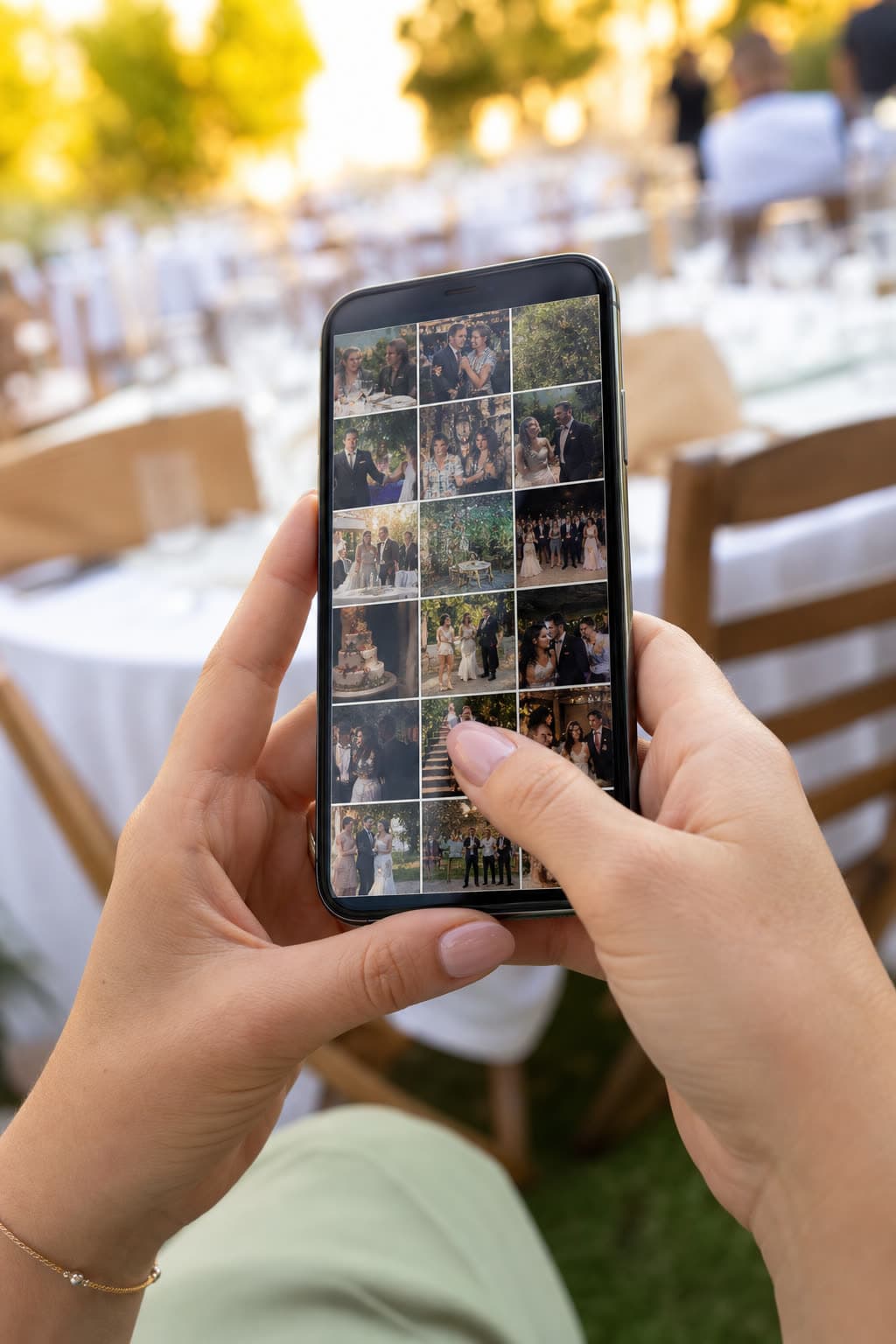
Guest gallery
Guests see each other's photos, with approval if you want it.
Christenings
Christenings and baptisms, seen by the whole family.
Get the real QR codes for your tables
Create your event, add a link per table and print.