Guest photos on the big screen, live
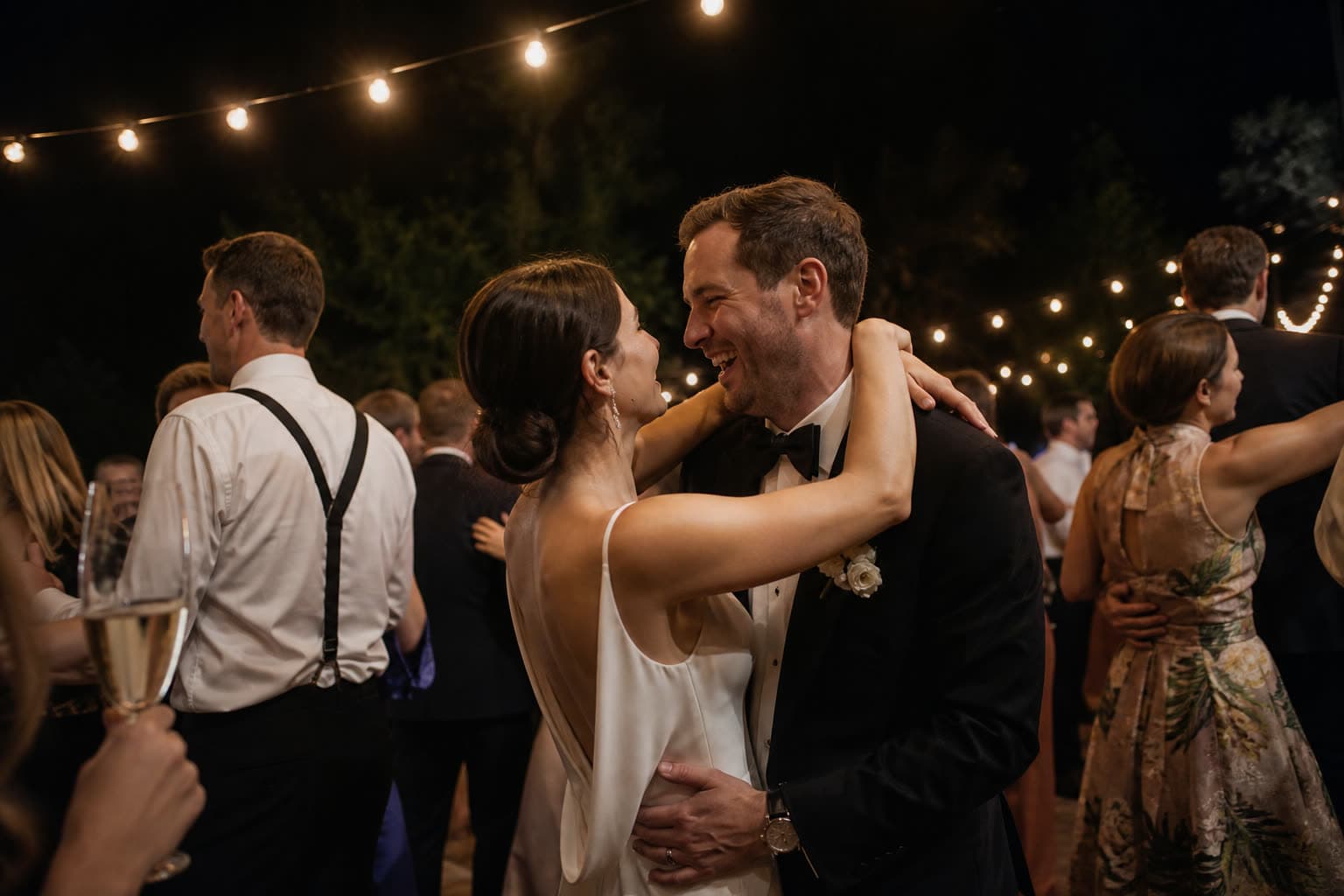
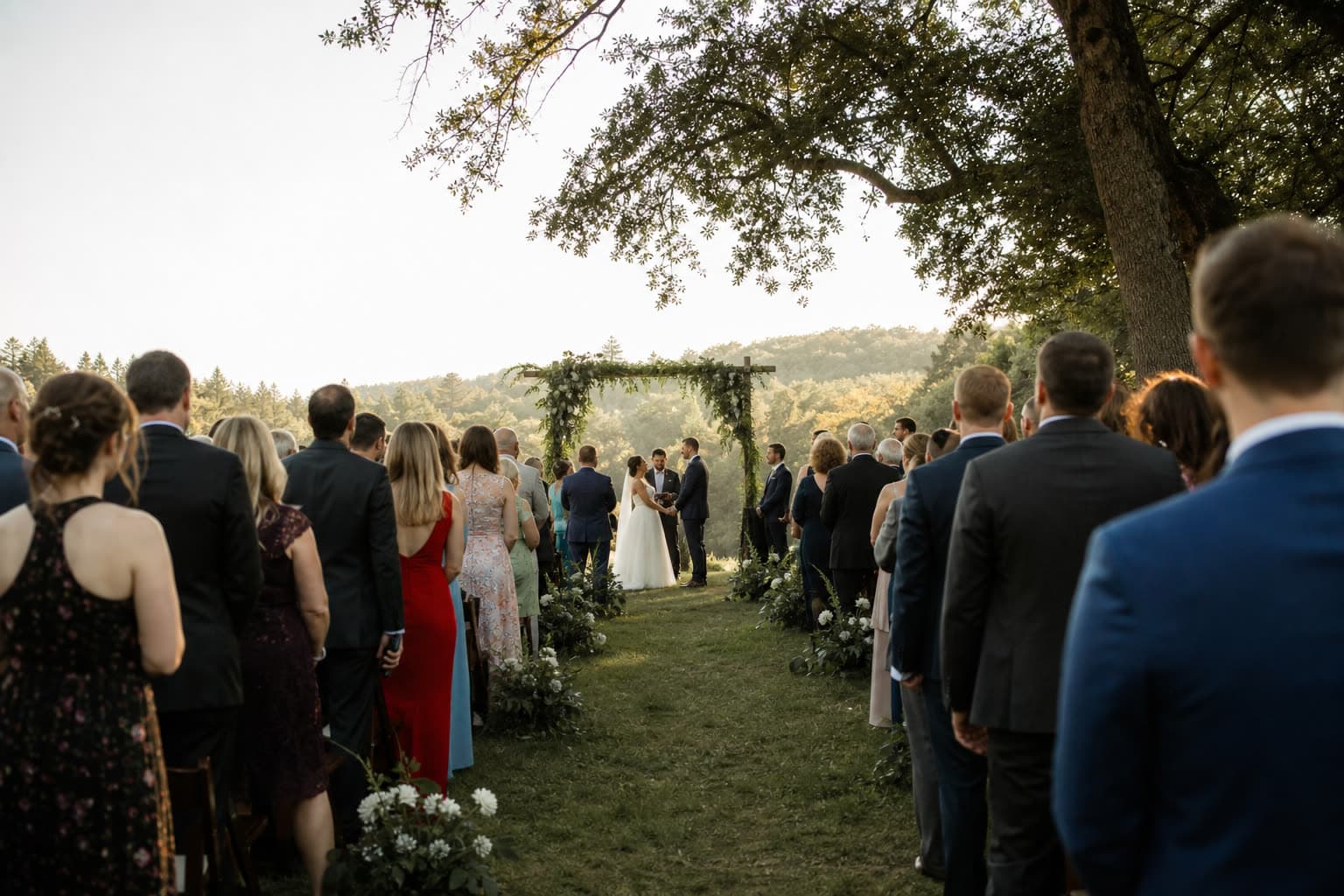
Open one link on the venue projector or a smart TV and guest photos appear moments after they are uploaded. Every new photo is a reason for the next guest to scan.


 New
NewPhoto by Lili
Share your photosScan with your phone camera
What shows next
The slideshow decides on its own, so nobody has to stand at the laptop.
New photos jump the queue
Fresh uploads show next, in the order they arrived, with a small New badge.
Quiet moments keep moving
When nothing new comes in, it shows the photo that was on screen least recently.
You decide what is shown
With photo approval on, only approved photos appear. Hide one in your gallery and it leaves the screen.
Ready before the first course
Turn it on
In the event's Slideshow section on the web or in the iOS app. You get a secret slideshow link.
Open it on the screen
Any browser works: the venue laptop, a smart TV, the DJ's screen. No sign-in, then press full screen.
Let it run
The QR code stays in the corner all night. Replace or switch off the link whenever you like.
Part of Pro and Unlimited
The live slideshow comes with the bigger plans. Already created your event on a smaller plan? Upgrade it and pay only the difference.
Compare all plansRecommended plan
Pro
US$49
one-time price per event
- 1,000 photos & videos
- 1 year storage
- Unlimited guests
- Voice messages in the guestbook
- Shareable gallery without watermark
- Live slideshow
Questions
The live slideshow is part of the Pro and Unlimited plans. You can upgrade an existing event at any time.
Yes. Switch on photo approval and only photos you approve appear, or hide any photo from the gallery and it leaves the slideshow too.
The slideshow shows photos. Videos are collected in your gallery as usual.
Anyone with the link can watch, so keep it for the screen. Guests use their own upload link, shown as the QR code on screen.
Keep exploring
Guestbook
Written and voice messages from guests, collected with the photos.

Shareable gallery
A shareable gallery page for family and friends after the event.
Weddings
Every guest's view of your day, in one album.
Put the night on the big screen
Create your event, then start the slideshow from its Slideshow section.