Let guests see what everyone caught
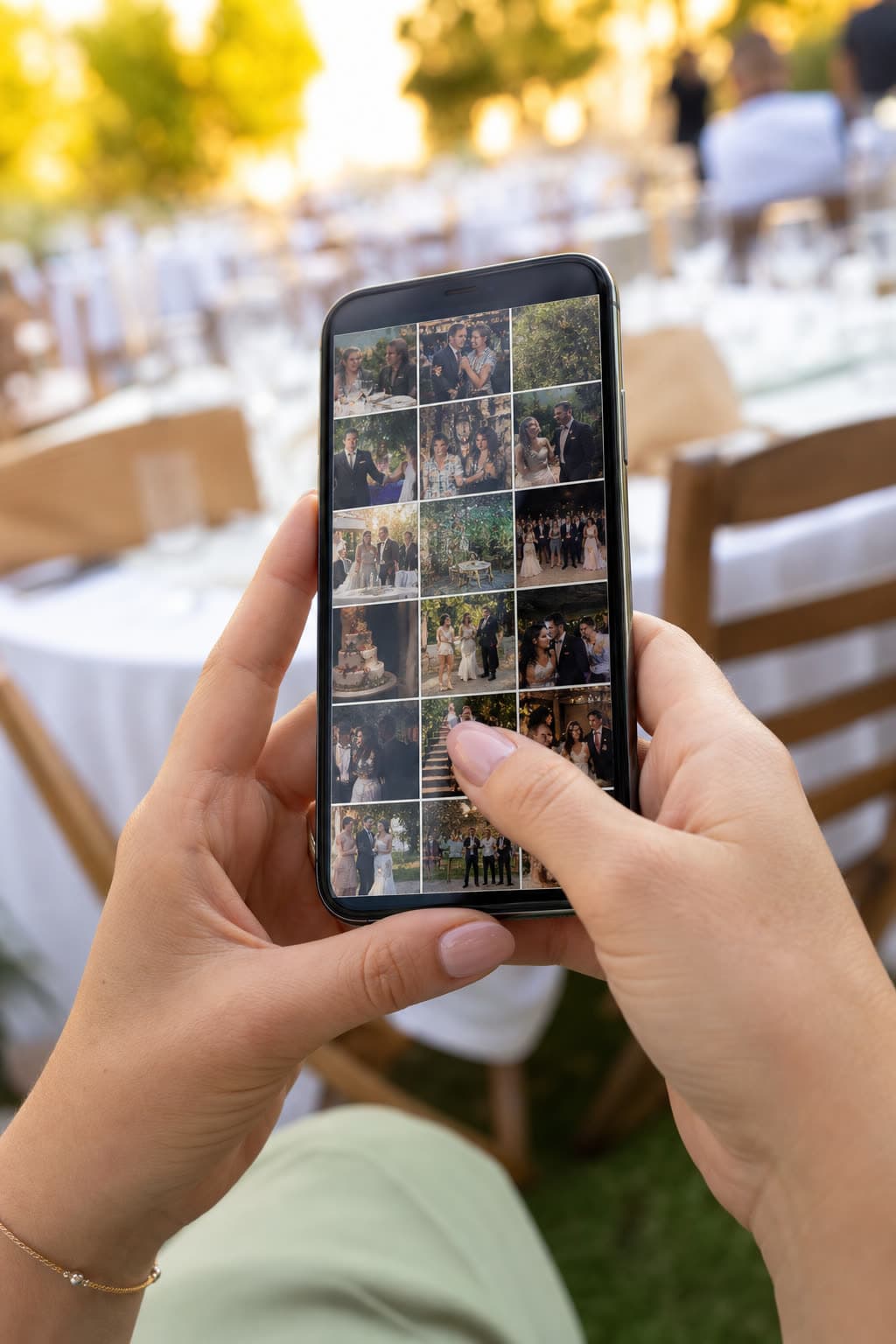
Switch on the guest gallery and the upload page also shows the photos other guests sent. Seeing the first shots is the best invitation to add your own.
Waiting for approval

Two ways to run it
Approval off
- Every upload shows on the guest page right away
- The gallery fills up while the party is on
- Hide any single photo later with one tap
Approval on
- New uploads wait in your queue
- Approve one by one or all at once, from your phone
- Guests, the slideshow and the shared gallery see only what you approved
Nothing reaches guests without your say
Off until you switch it on
The guest gallery starts off. Turn it on in the event settings on the web or in the iOS app.
Hidden, not deleted
A hidden photo stays in your own gallery. Show it again whenever you like.
One rule everywhere
What you hide is hidden on the guest page, the live slideshow and the shareable gallery at once.
See it work on your own event
Create a free event, share the QR code and watch the first photos arrive.
Questions
No. Anyone with the event's upload link sees the gallery on the same page they upload from.
Yes. The guest gallery, the live slideshow and the couple's gallery only show approved photos.
Turning approval off approves everything still waiting in the queue.
Keep exploring
Live slideshow
Guest photos on the big screen, live, as they arrive.

Guestbook
Written and voice messages from guests, collected with the photos.
Reunions
Class and family reunions, with every photo shared afterwards.
Share the night while it is still happening
Create your event and switch on the guest gallery in its settings.