An audio guestbook in every pocket
Paper guestbooks get three lines at the end of the night. With Clik, guests write a message or record their voice right after they upload a photo.

Uncle Peter
Voice message
I danced at your parents' wedding too. Look after each other.
Best night of the year. Thank you for the dumplings!
Two ways to leave a message
Written
A name and a few warm words, typed on the upload page. On every plan, Free included.
Voice
Up to a minute, recorded in the browser with one button. On Starter and up. Hear the toast you missed, in the voice of the person who gave it.
Every word, kept
Read and play anywhere
On the web or in the iOS app, next to the photos from the same night.
Download them all
One ZIP with a text file of every message and each recording, for the album or a framed print.
Guests can take it back
A guest can remove their own message from the same phone. You can delete any of them.
See it work on your own event
Create a free event, share the QR code and watch the first photos arrive.
Questions
No. Messages and recordings are separate from your plan's photos and videos.
Yes. Like photos, a guest can remove their own message from the same phone.
Yes. It is one switch in the event's guestbook section.
No. The browser asks once for the microphone, then they press record. The iOS app can record too.
Keep exploring
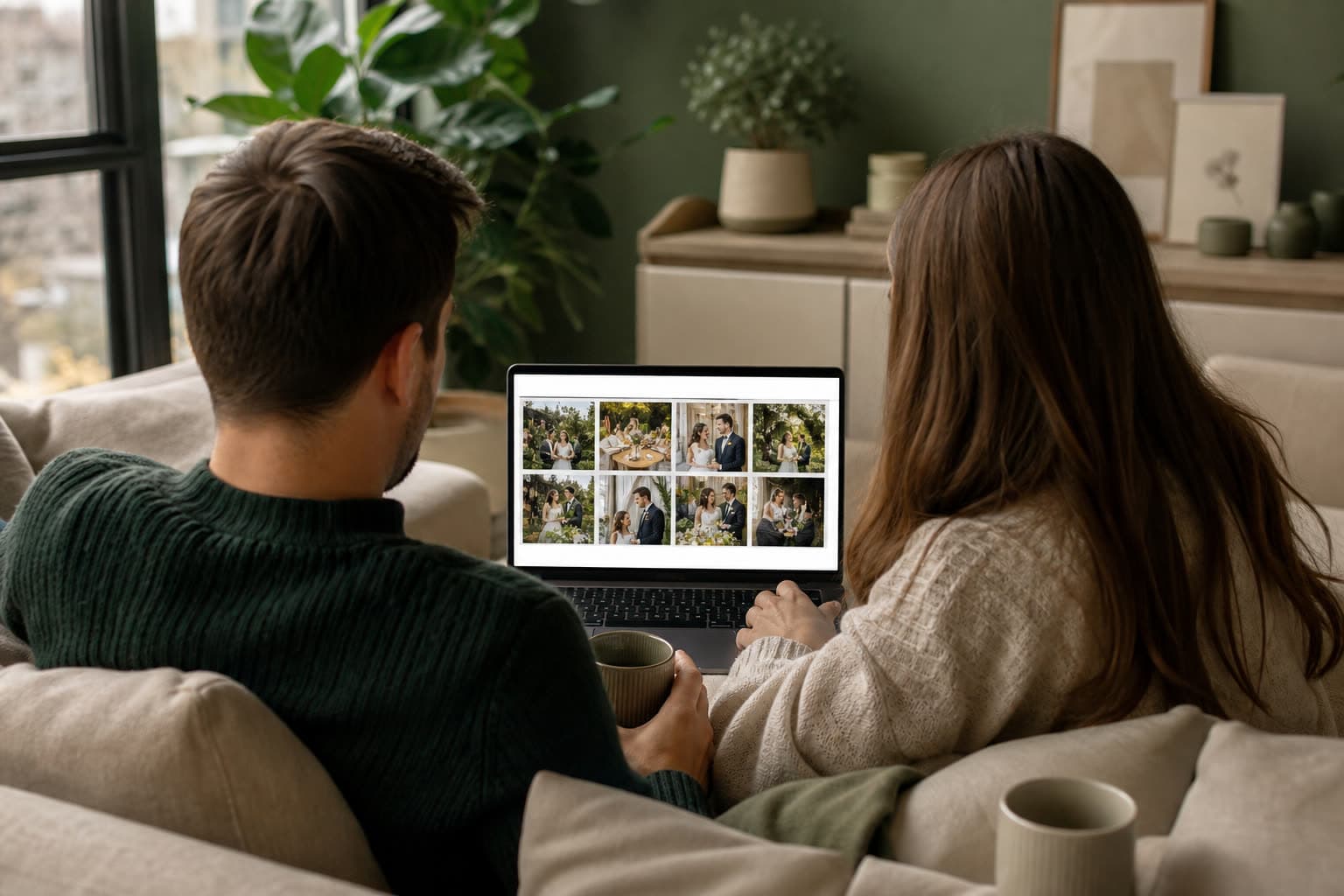
Shareable gallery
A shareable gallery page for family and friends after the event.
Photo challenges
Fun photo missions for guests, so you get the shots you'd otherwise miss.
Birthdays
The party through everyone's camera, without the group chat.
Collect the words along with the photos
Create your event and the guestbook is ready on the upload page.